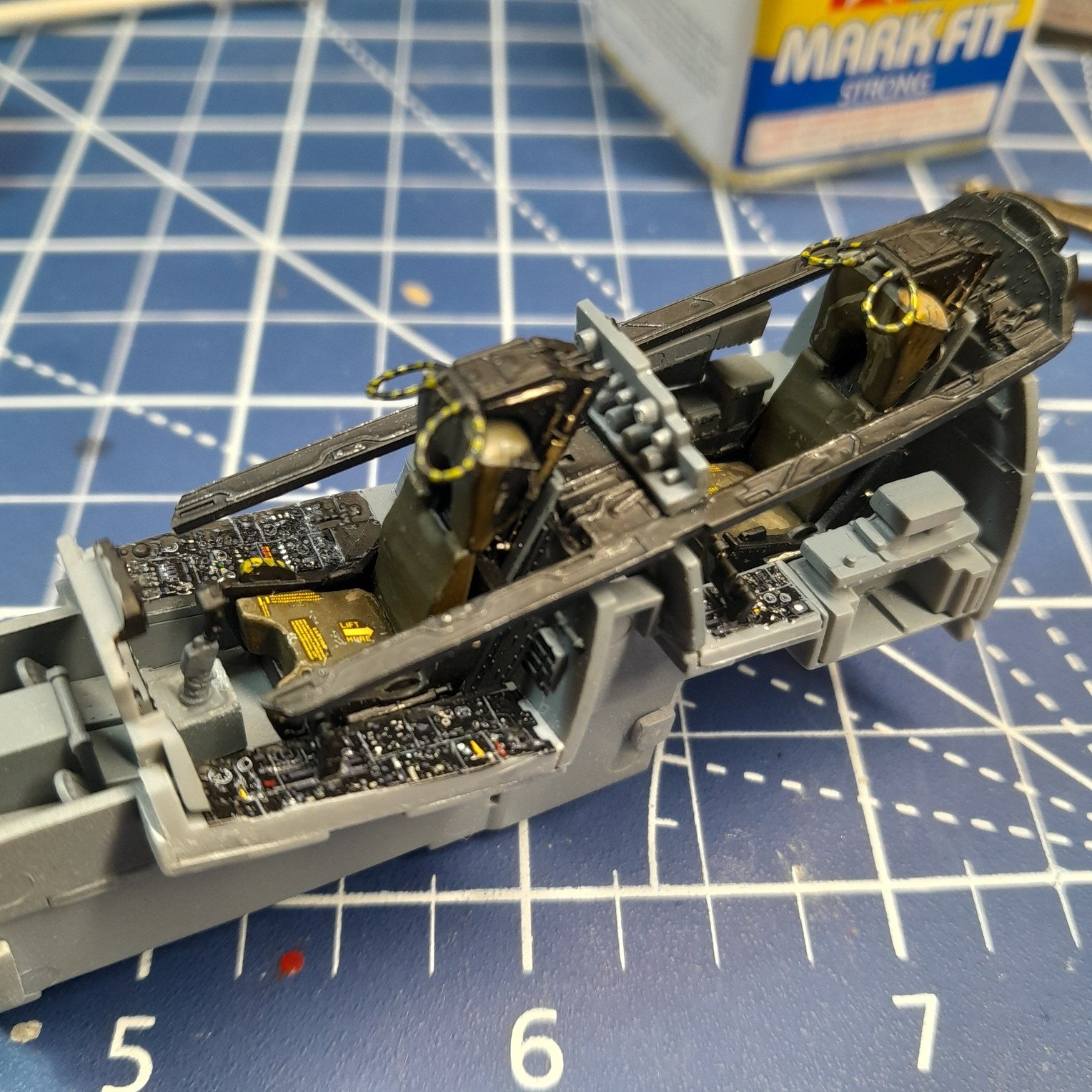
Can you do it??

Scale Model Addict - Model Tips, Guides, Tools & Tech, Tutorials, and Community

Help Support Scale Model Addict:

It worked. Someone read what I posted. Good. Why can't I post pictures? I used to be able to do it. Now we got the gather and all the sudden I can't post pictures it says they're too big. I'm old school and don't like computers and don't like farting around with them. This is frustrating as hell. At least to me cuz I don't know what the hell I'm doing. I've been trying to post my work and the plane I've been building and I can't do it WTF
 
As an Amazon Associate we earn from qualifying purchases. Product prices and availability are accurate as of the date/time indicated and are subject to change.
Are you using the site in a web browser or in the new app?

In a browser, just click the button that reads Attach files underneath the field in which you type your message. That will open a window in which you can choose the photos you want to add to the message. They will appear underneath the text field.

Once they've been uploaded, to add them inside the message, first make sure the caret (the blinking vertical line where the letters you type appear), then click on the text Insert… on a photo (under the message). A little menu will open that lets you choose whether to insert it as a thumbnail or as a full image. Choose the latter :)
 
Yes sir. That's exactly what I do. Done it hundreds of times. I hit attached files it'll give me options I select gallery and the pictures I want and I say done and it clicks back over to this and normally it would start uploading the pictures which happens pretty quick and then I can send. And I will try it again so if you don't see two pictures it's going to tell me that the files were too big. I've never had to do that crap but anyways here goes
 
In a browser, just click the button that reads Attach files underneath the field in which you type your message.
Alternative method...

While looking at the photo you want to share (in a browser) right-click on it and select copy. Then come to the post here in SMA and choose paste, or Crtl-V if using Windows.
 
Last edited:
It might be the the file size is overly large. That can happen if you shoot in RAW format like SLR and some higher end cameras can do

if the file size of the image is too large, and you are in windows, you can use the snipping tool to select it, then copy and paste into the post. I actually use that method a lot since I can easily zoom in to the part I want to see and/or crop the photo that way

Just click into the "Type to search" box at the bottom near the windows button and type Snipping and it should automatically come up with the Snipping Tool App.

make sure you have the picture on screen, then hit New and use the mouse to select the area of the screen you want to copy. Then you can copy and paste directly into a thread
 
Gobbledygook. I'm not on a computer. I don't know what paste is unless I'm making spaghetti sauce. It's just an Android phone. The same phone I've been using before. Countless builds and countless pictures are on this forum through this phone and then all of a sudden I can't send a picture. I didn't change a damn thing on my end, that I know of, at least. I tried getting into my settings to see if I changed something and I can't find Jack ****. All of a sudden this forum will not accept my pictures it says the file is too large and I don't know how to get it smaller.
 
Gobbledygook. I'm not on a computer. I don't know what paste is unless I'm making spaghetti sauce. It's just an Android phone. The same phone I've been using before. Countless builds and countless pictures are on this forum through this phone and then all of a sudden I can't send a picture. I didn't change a damn thing on my end, that I know of, at least. I tried getting into my settings to see if I changed something and I can't find Jack poop. All of a sudden this forum will not accept my pictures it says the file is too large and I don't know how to get it smaller.
Got to be the connection between you and the site, the size thing makes no sense, i us a cannon SLR camera jacked all the way up, then i upload the pics to my laptop for sharing here, in focus you can see dust on a nats nuggets and my pics load fine, so file size is not the problem.
 
I hear you. It's just a normal Android phone. I take a picture it goes into my gallery. I want to let you guys look at any of my pictures I just hit attach files and it gives me options I select gallery and there's my pictures and I choose what I want you guys to see and press done. The picture start uploading on the site I can see it do it and then all of a sudden it stops and says the file is too large can't do it and nothing. And it all started after gather.
 
Gobbledygook. I'm not on a computer. I don't know what paste is unless I'm making spaghetti sauce. It's just an Android phone. The same phone I've been using before. Countless builds and countless pictures are on this forum through this phone and then all of a sudden I can't send a picture. I didn't change a damn thing on my end, that I know of, at least. I tried getting into my settings to see if I changed something and I can't find Jack poop. All of a sudden this forum will not accept my pictures it says the file is too large and I don't know how to get it smaller.
I just have a link on my Samsung Android phone and the photos upload fine. Maybe give gather a miss on the phone and go old school if it was working before?
Pantherman
 
Okay panther man. Going old school. I'll try it again. Guess the plane
 

Attachments

  • 1000010825_50.jpg
    1000010825_50.jpg
    433.6 KB
You win, the adoring accolades of many fine-scale modelers and this one of a kind, medal you can wear around your neck of an Old Fashioned pop pull tab

What a ripoff .
you should offer-up something like eyelash extensions or a faded Polaroid of a car accident scene ...

a broken water fountain would be cool , but the shipping costs might be prohibitive
 

Latest posts

Back
Top