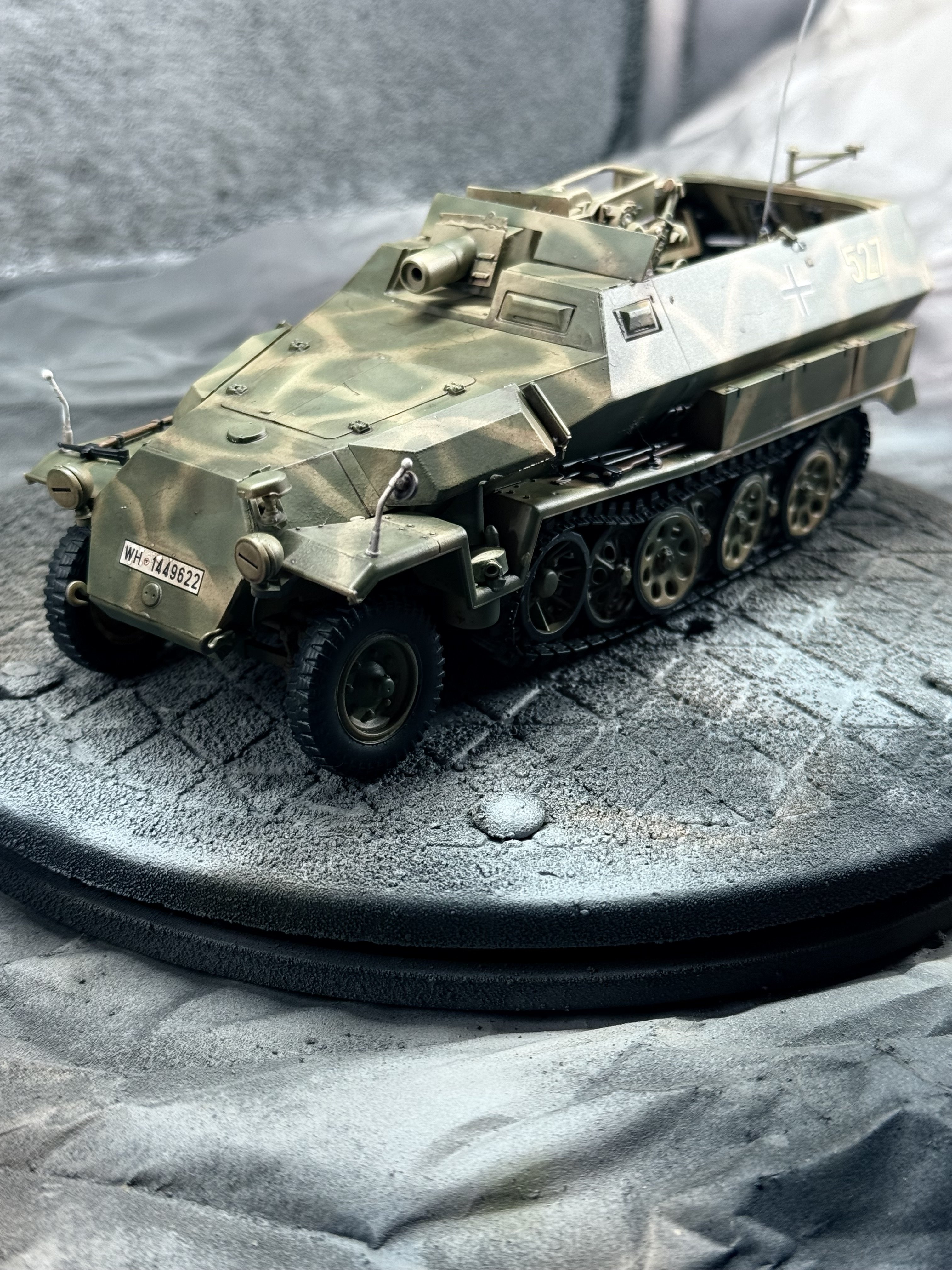
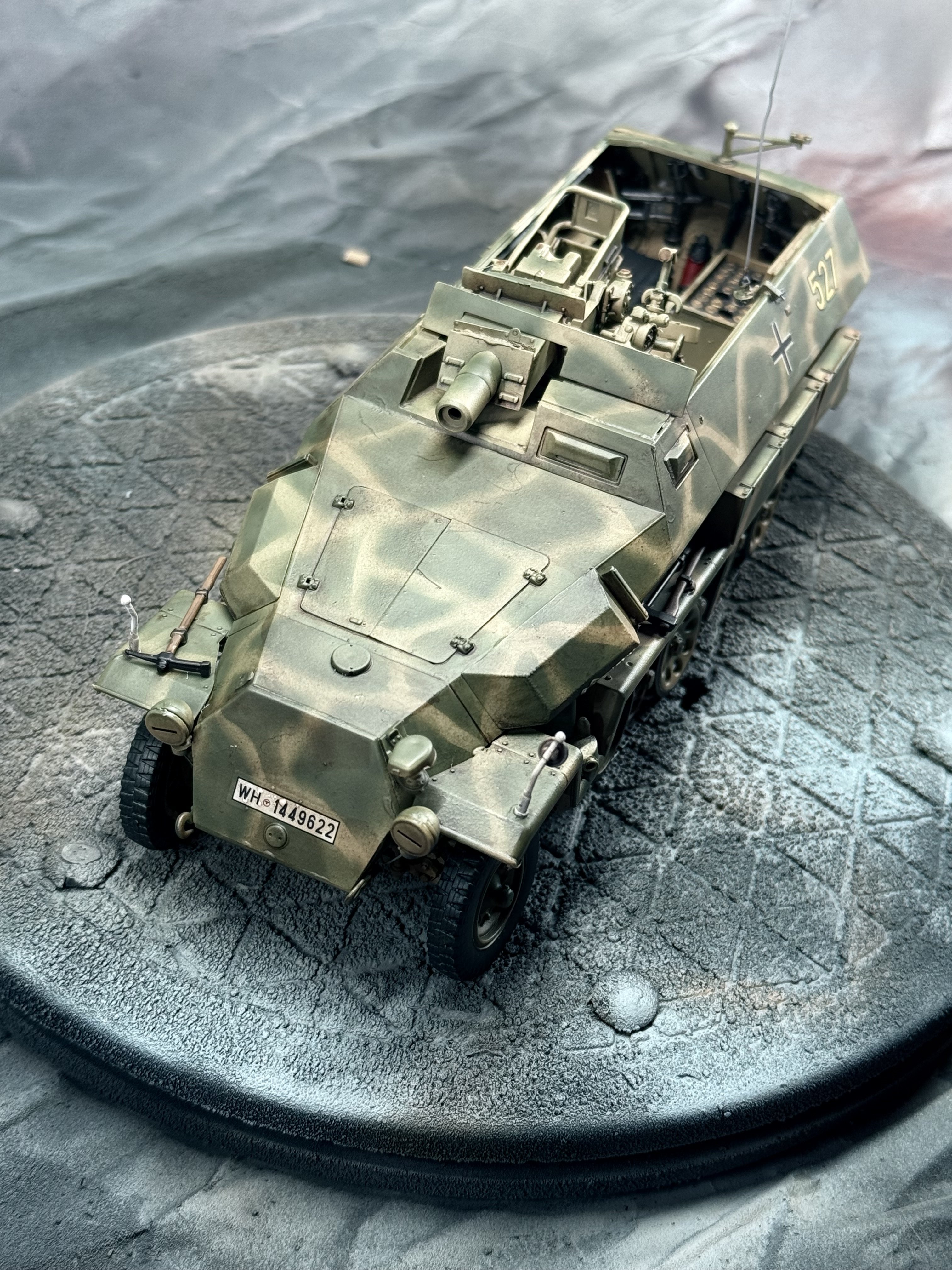
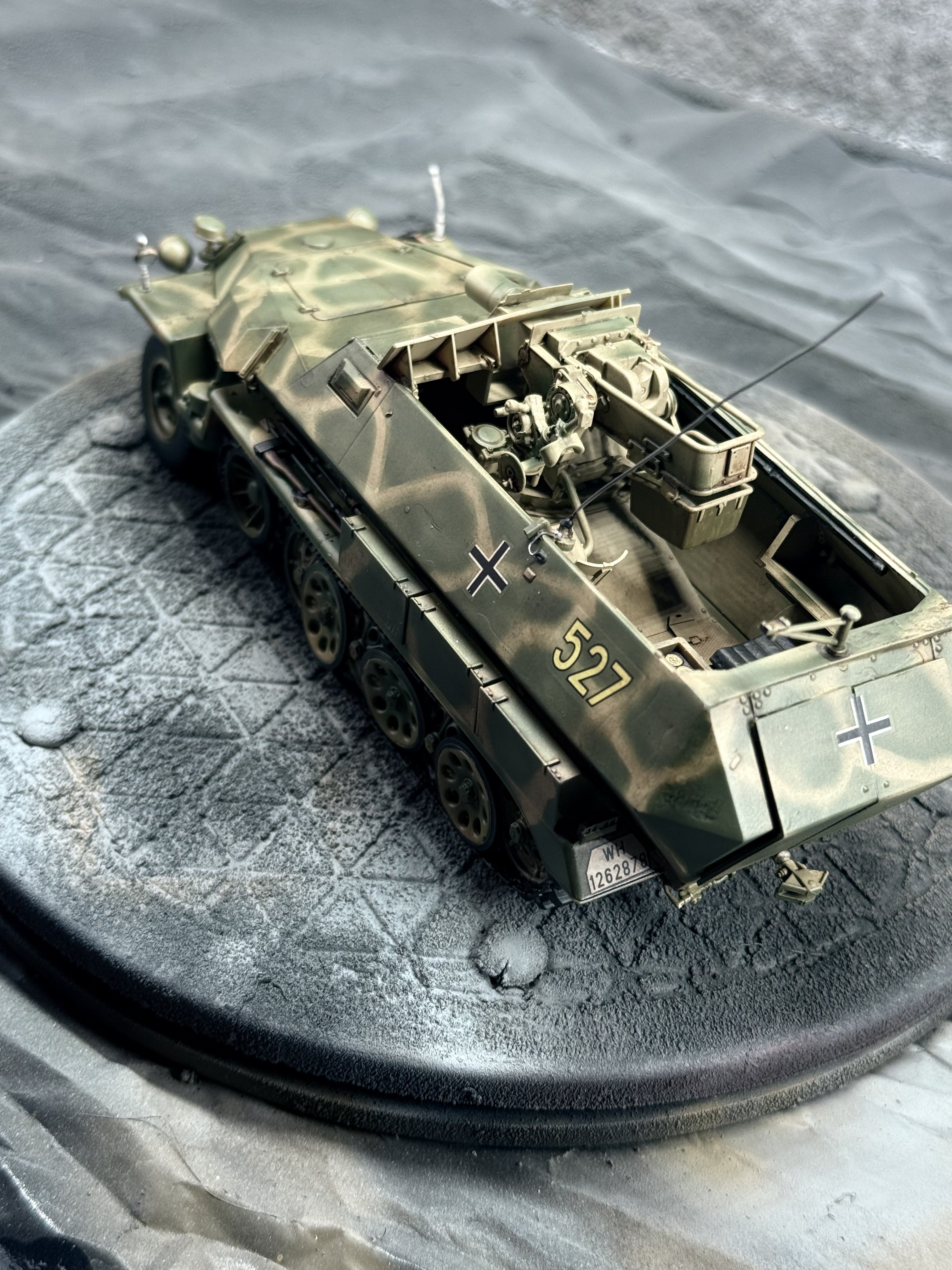
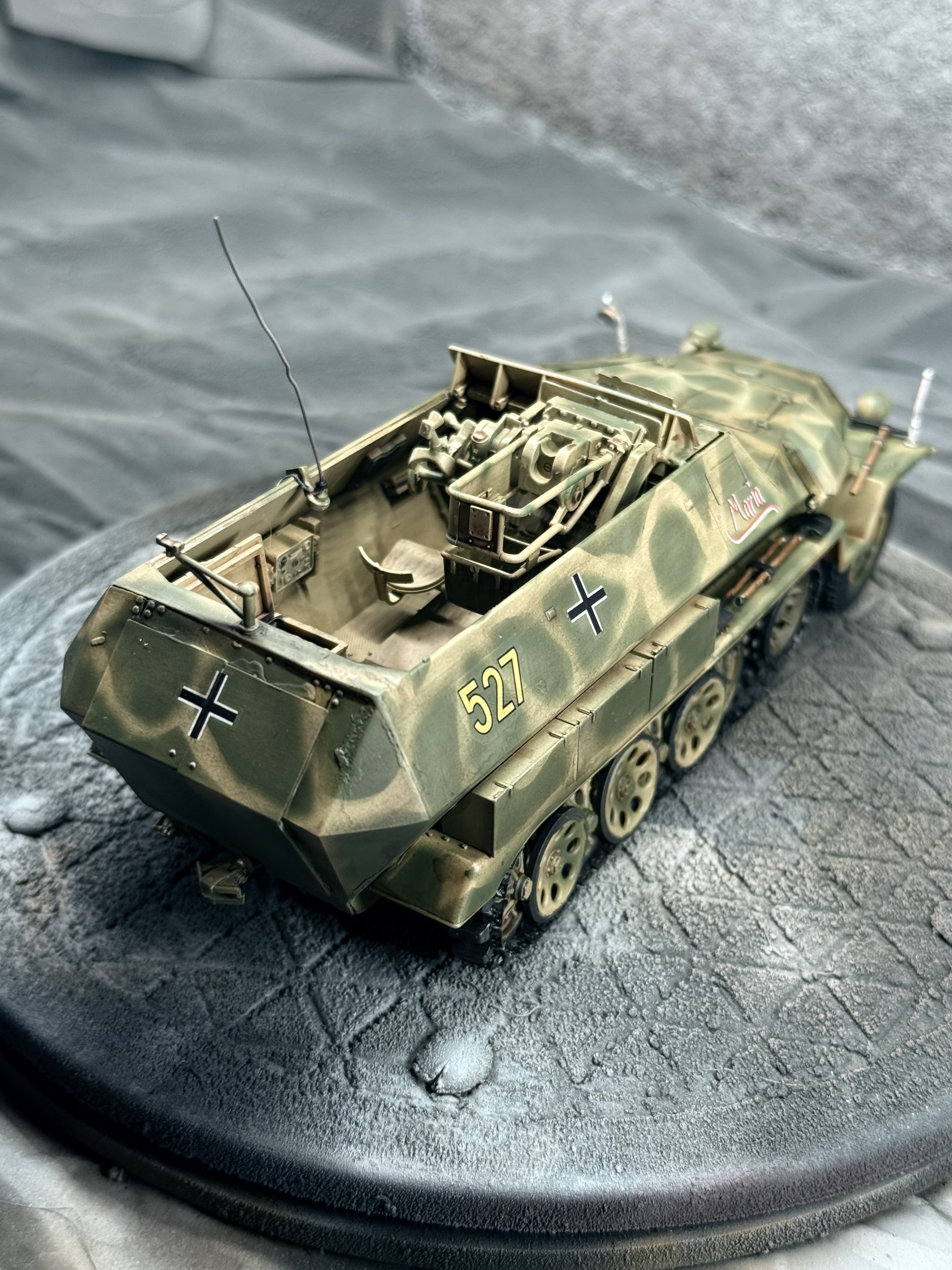
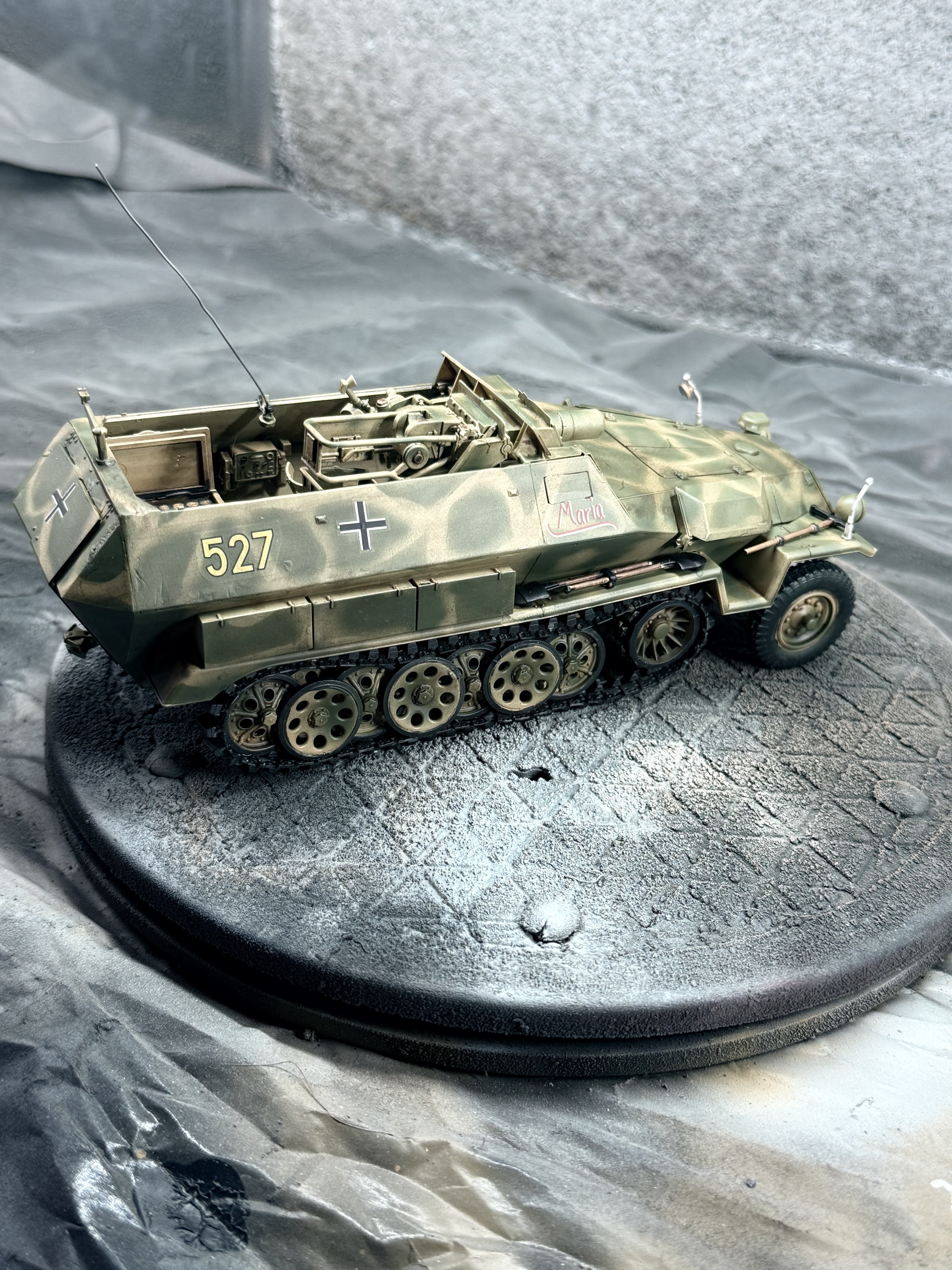
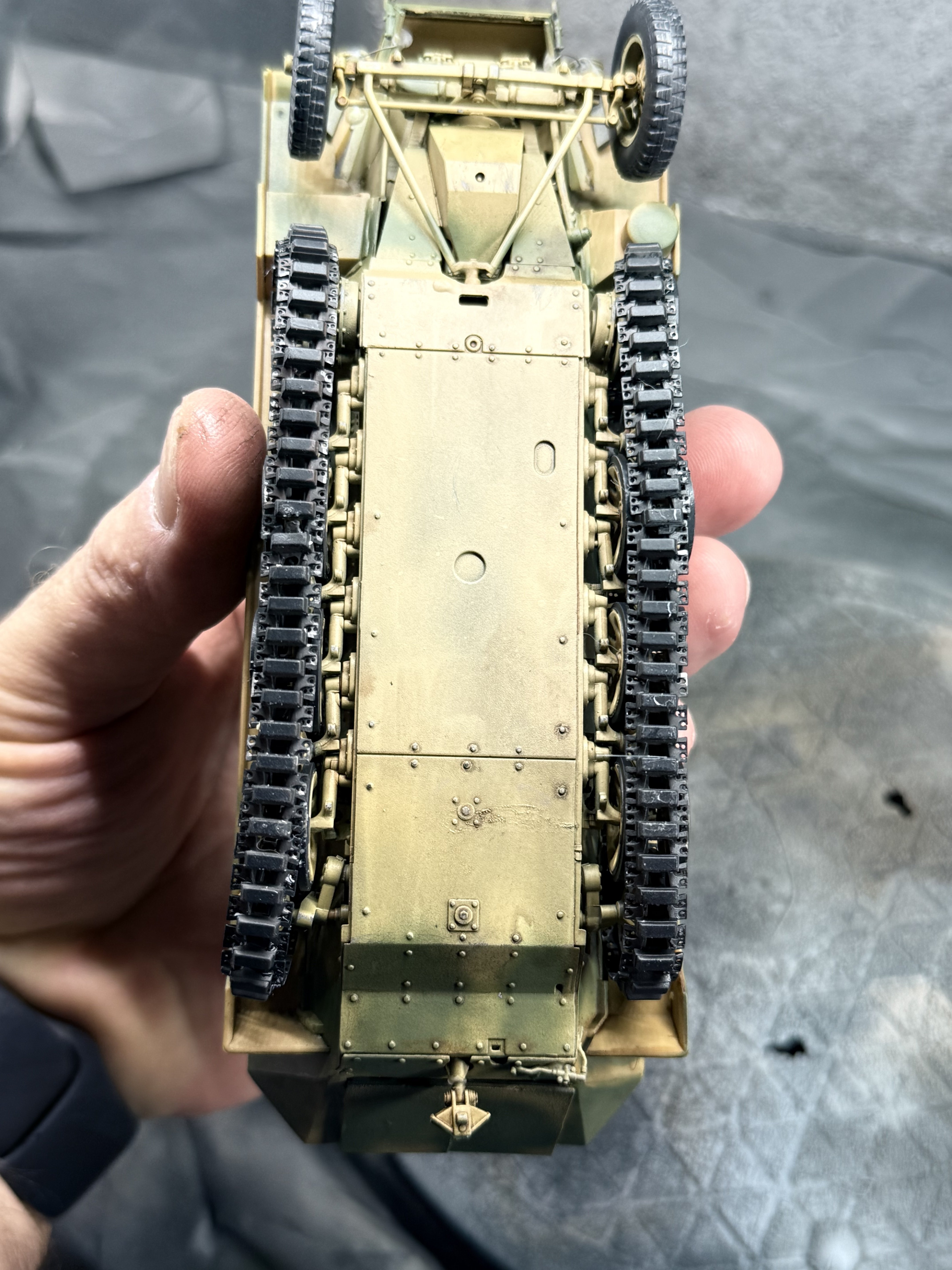
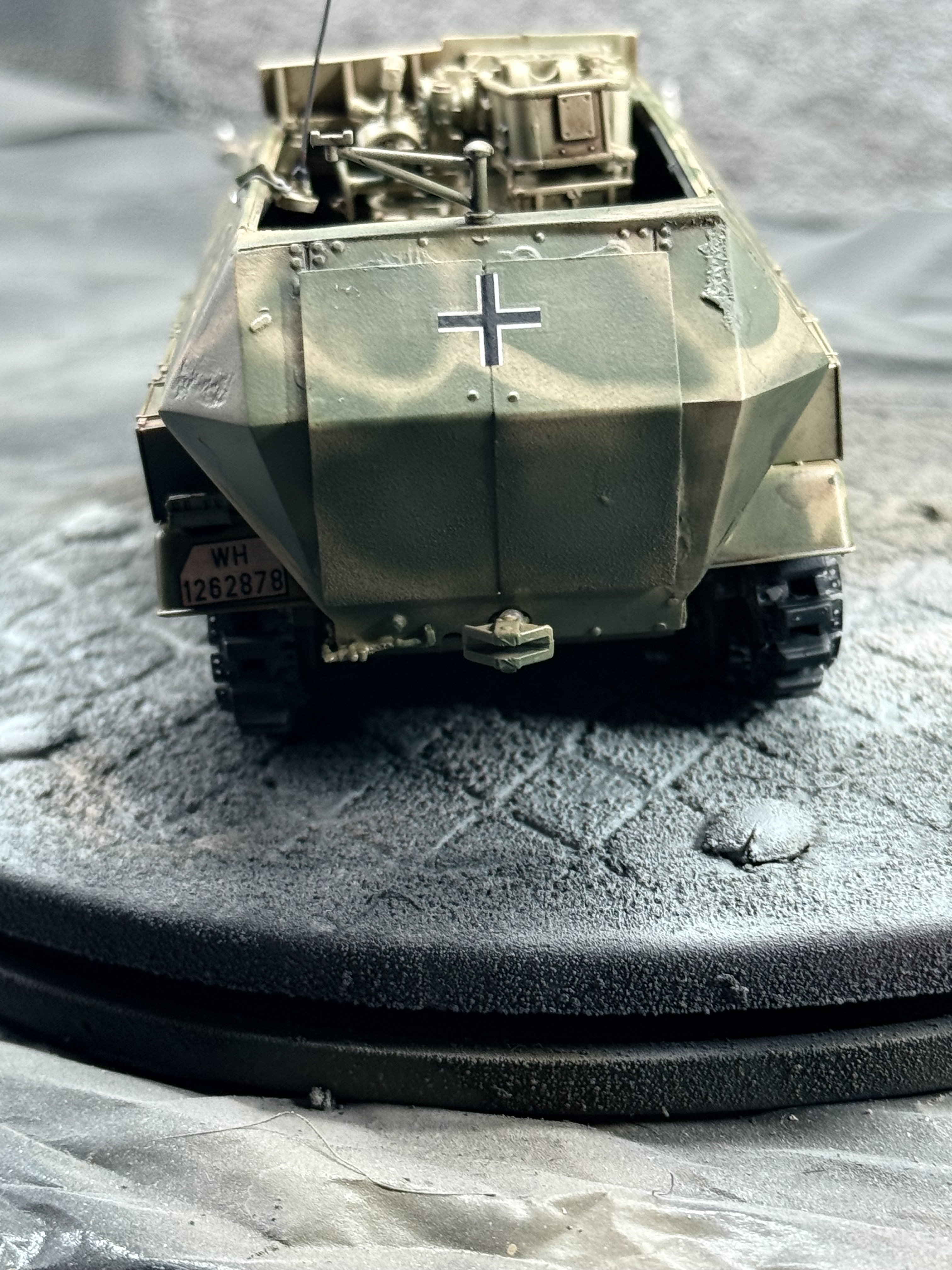
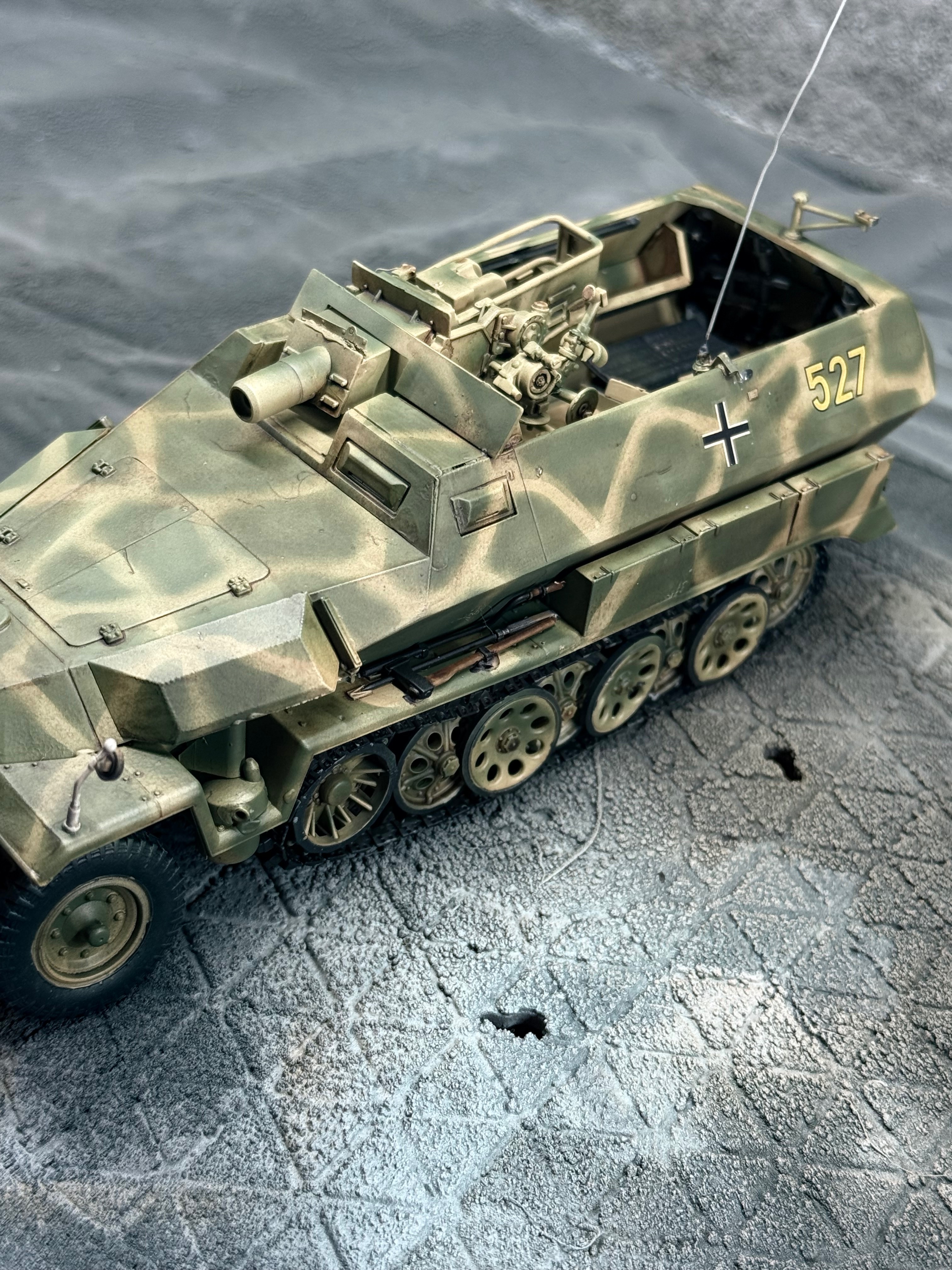
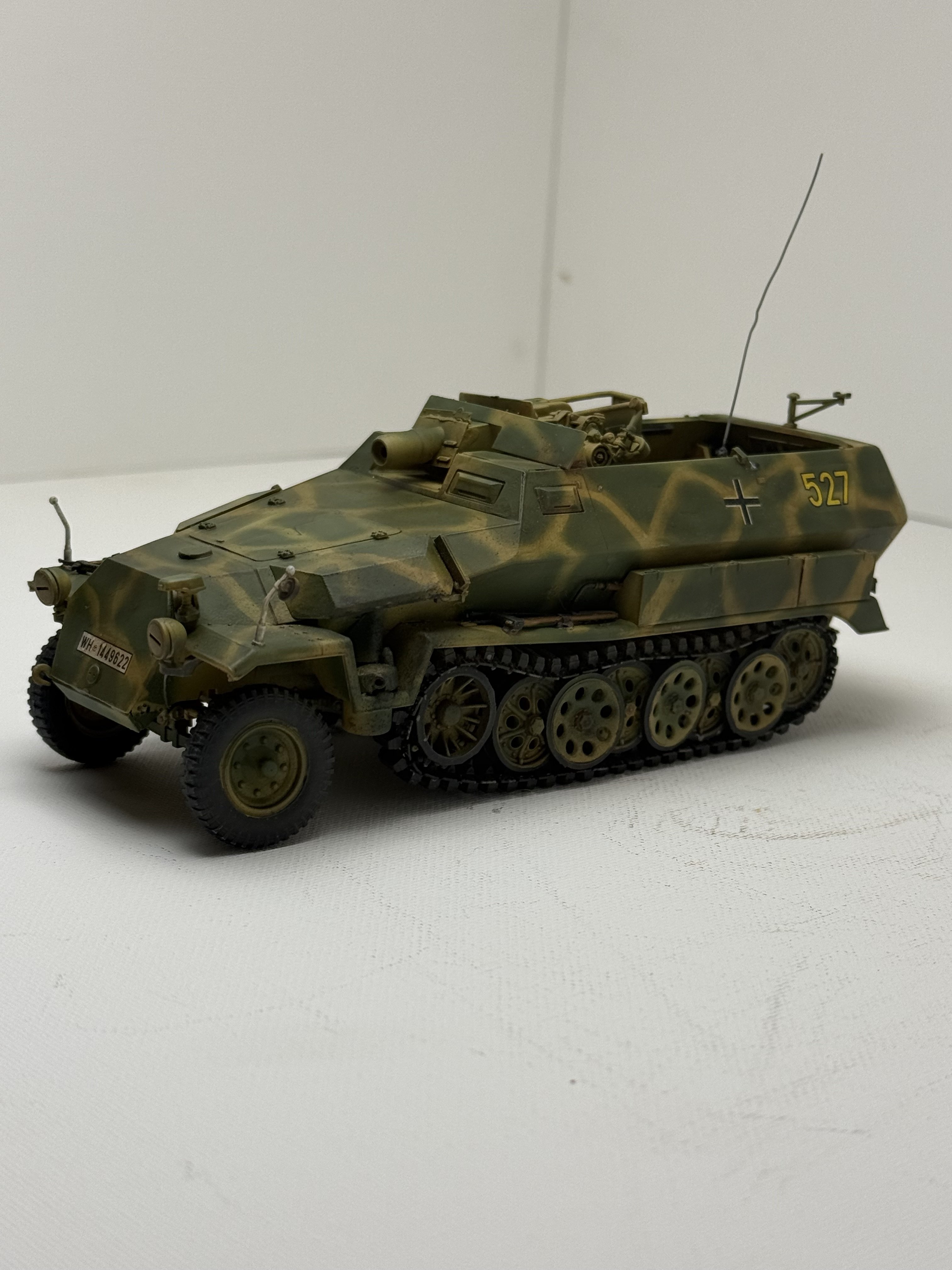
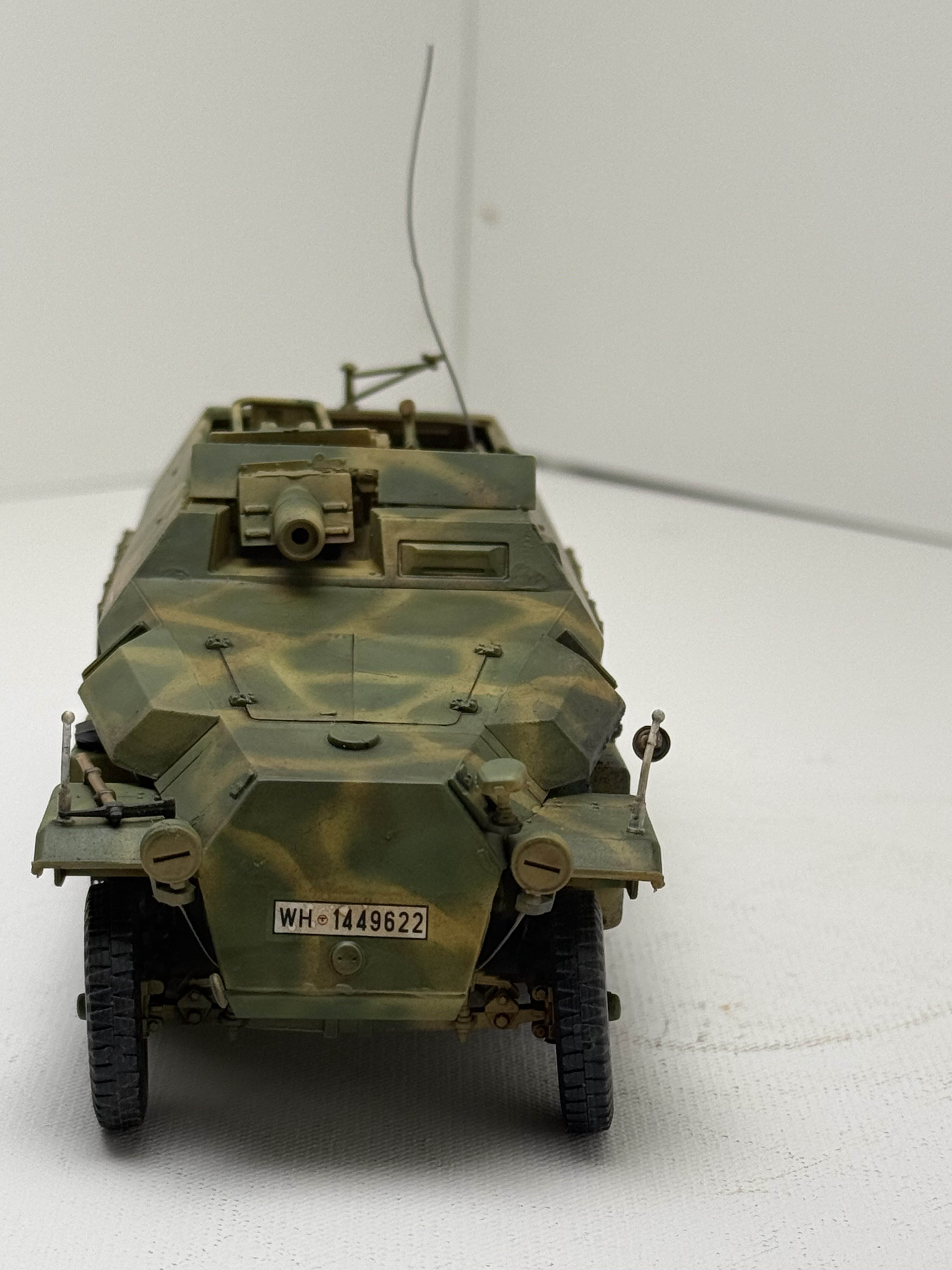
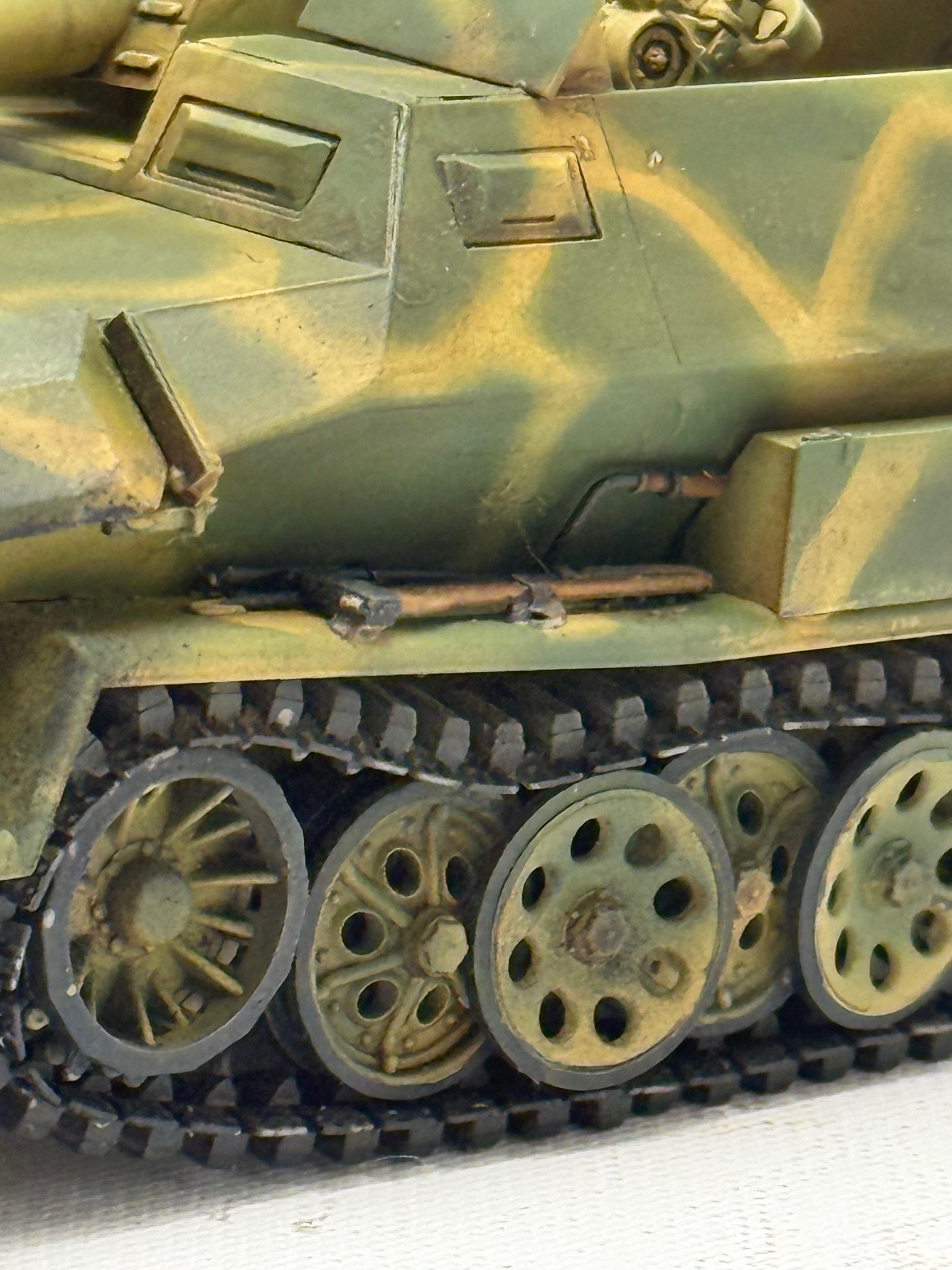
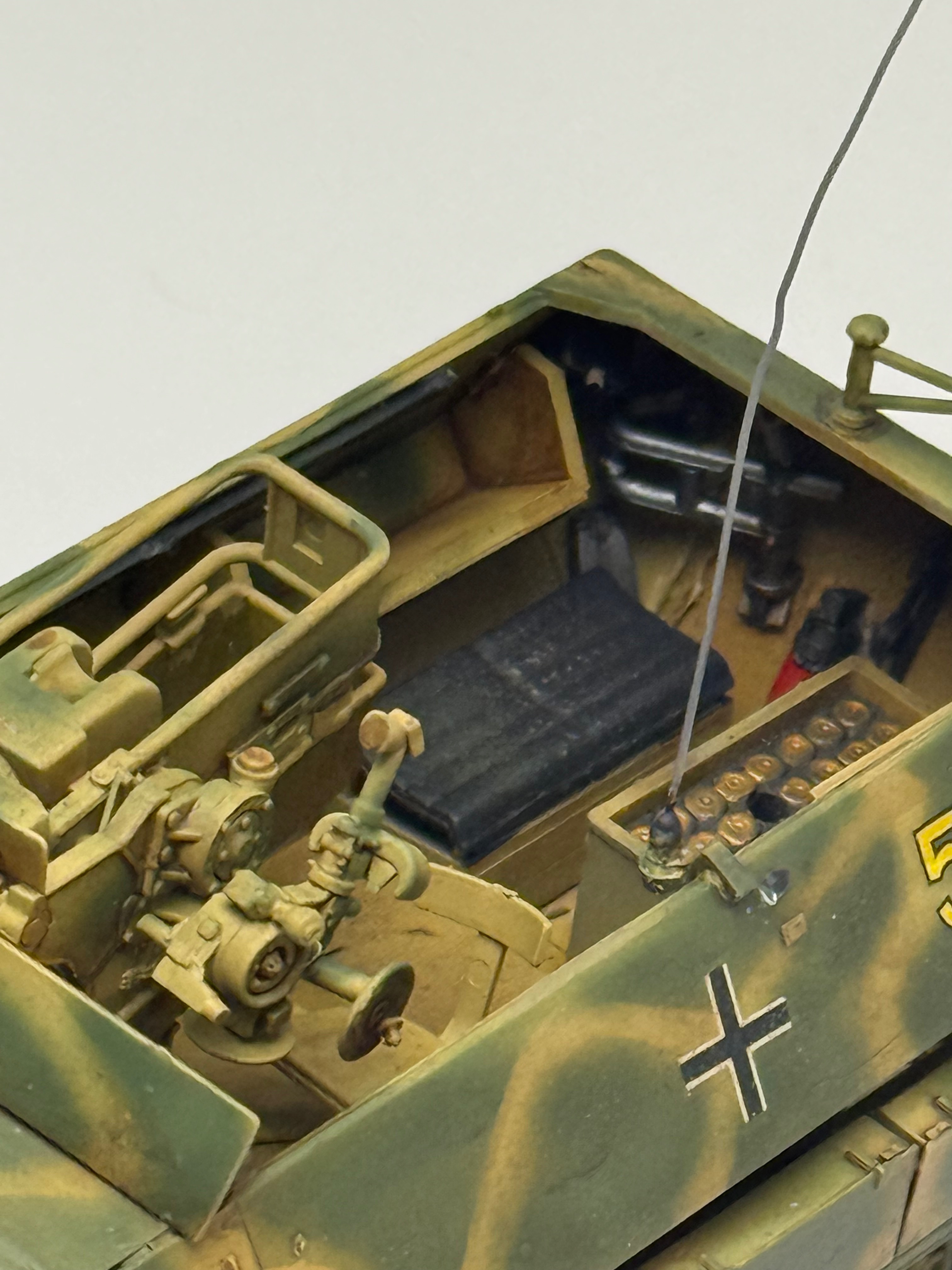
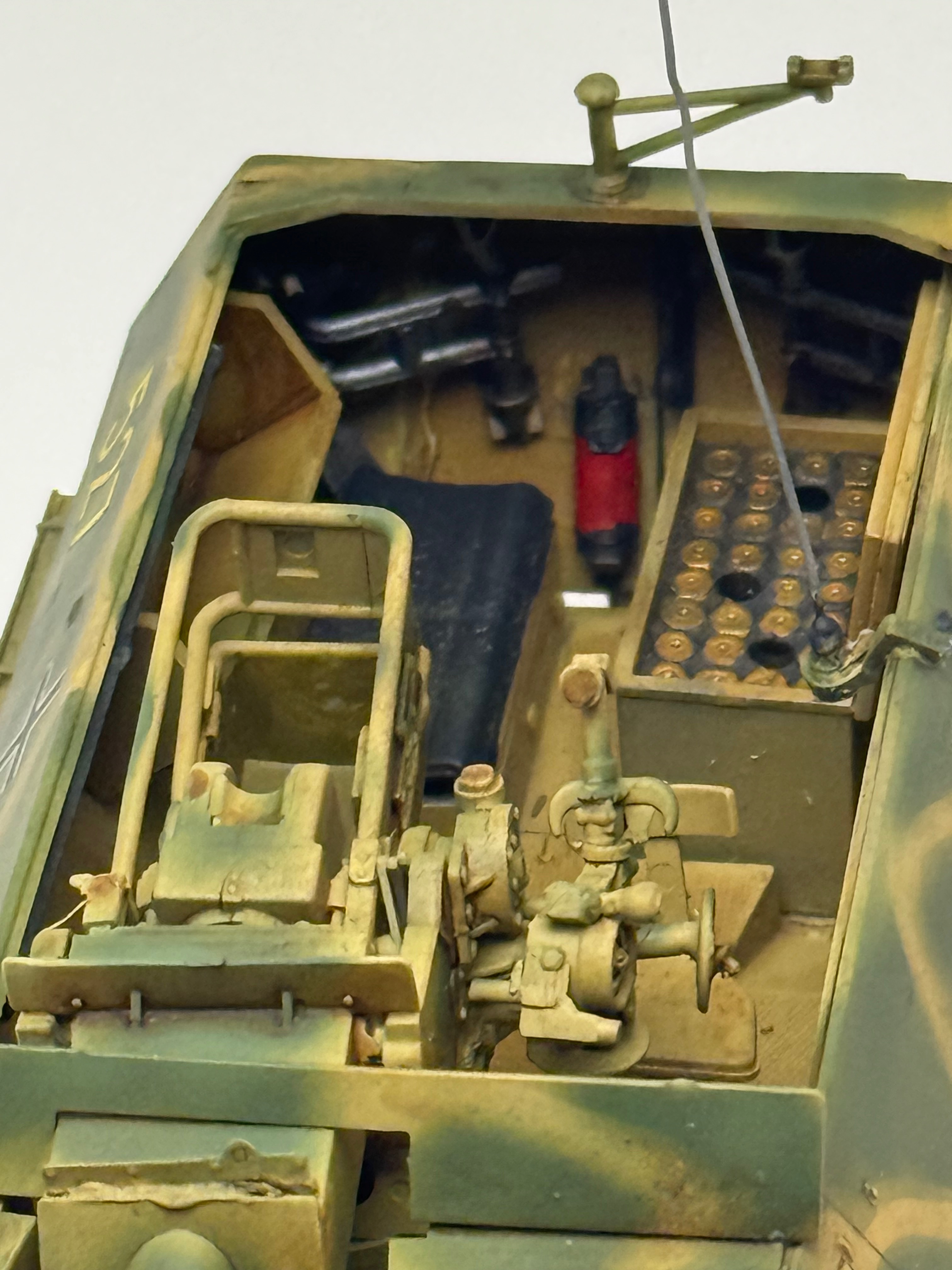
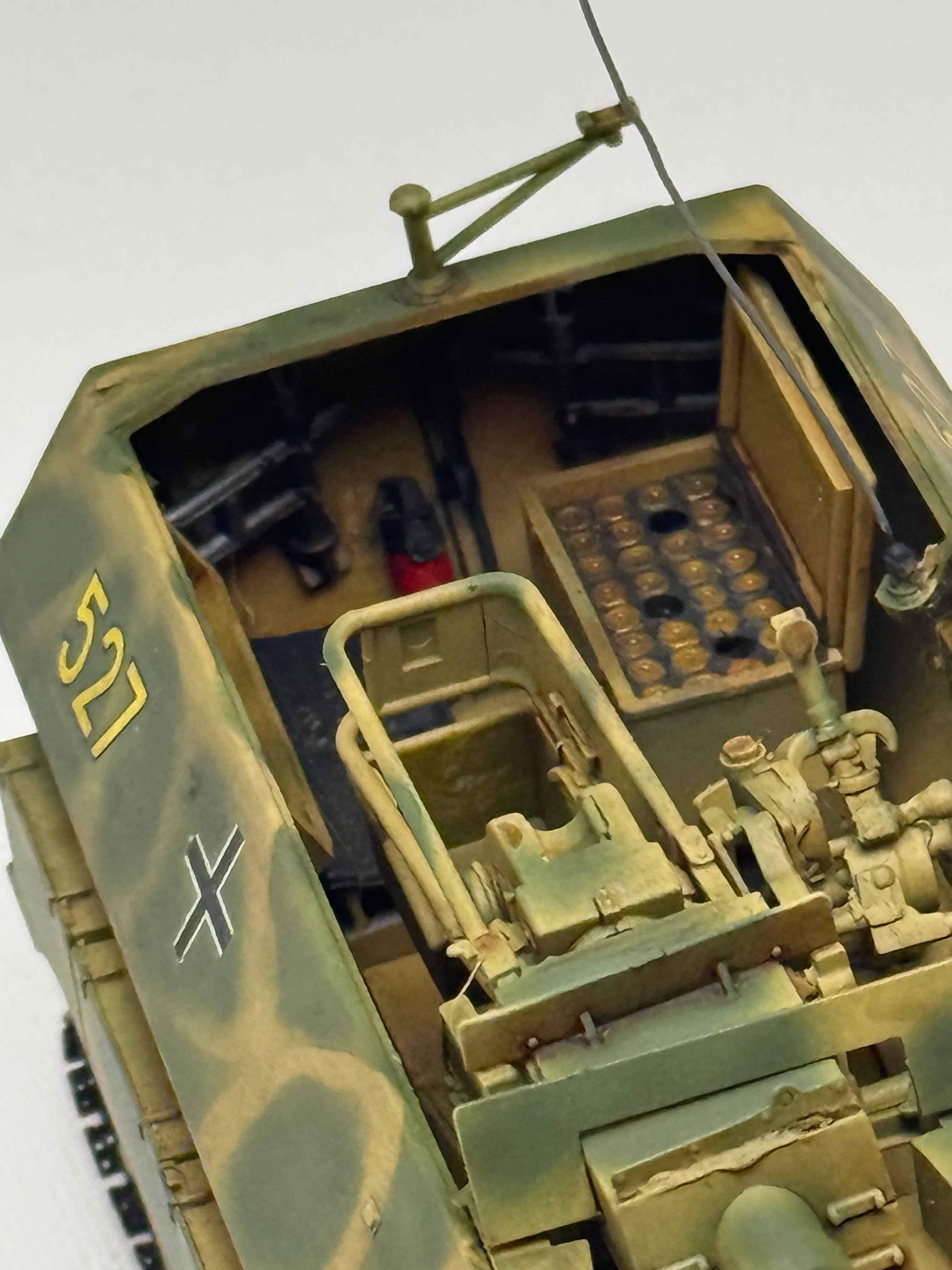
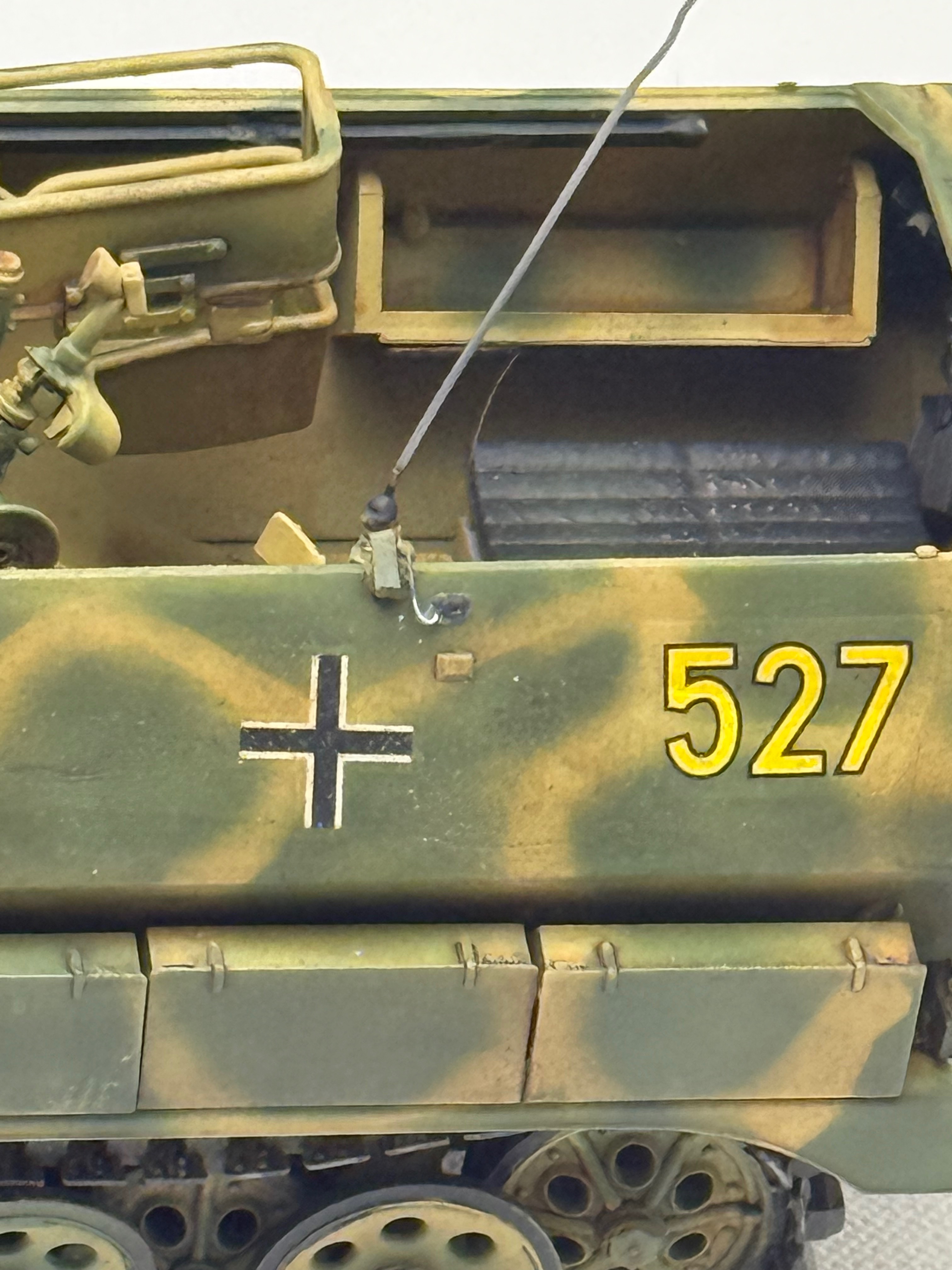
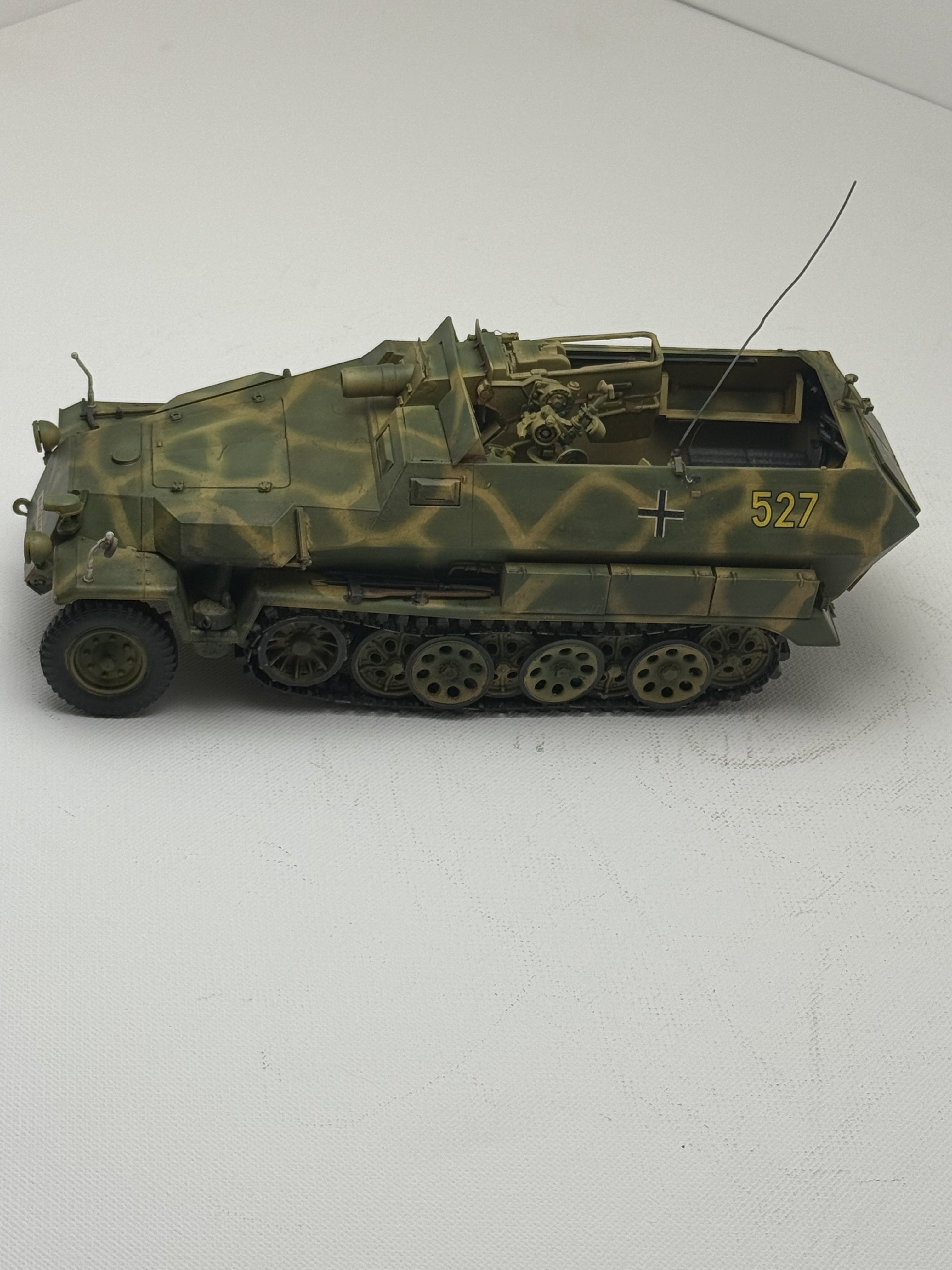
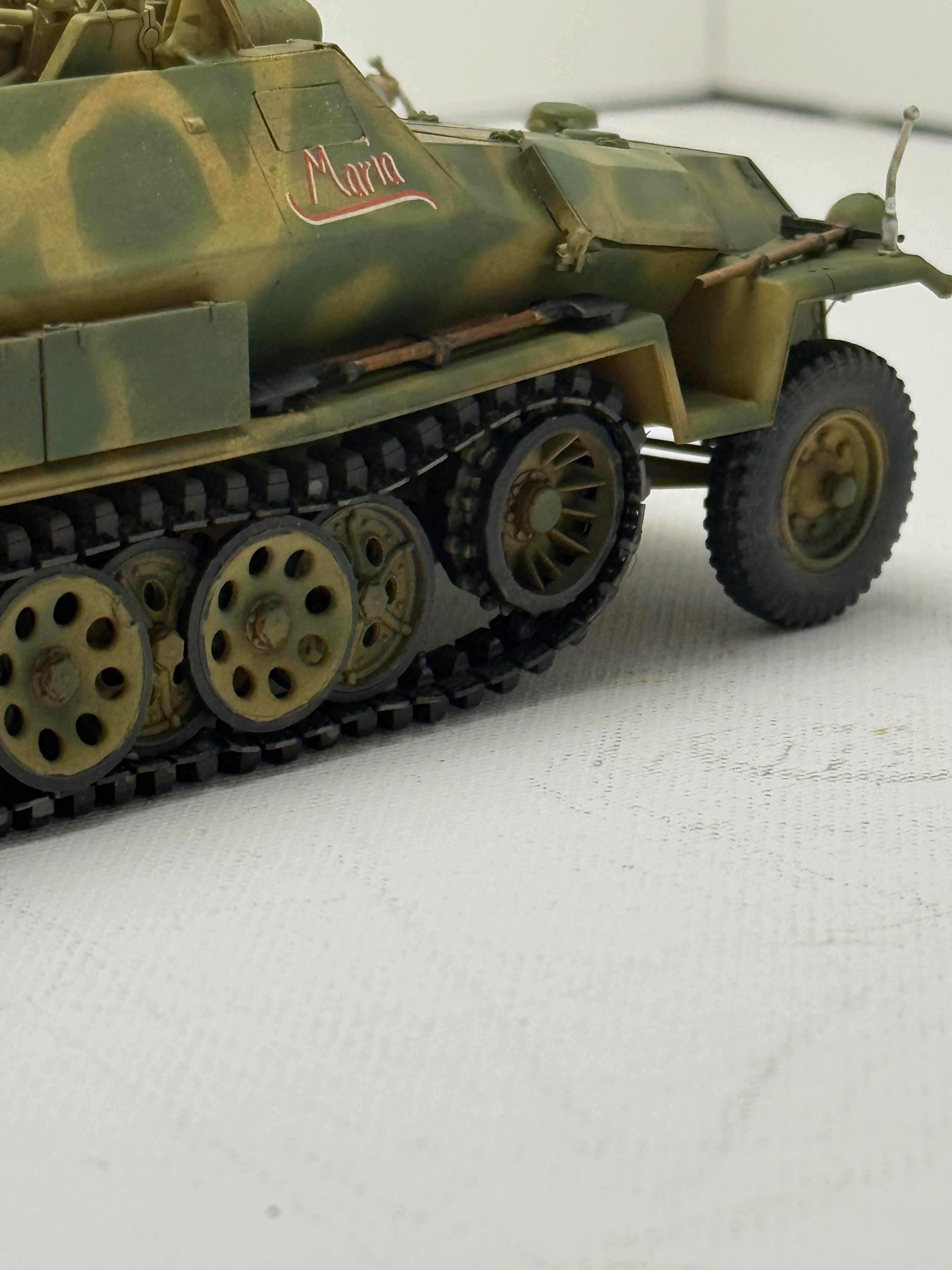
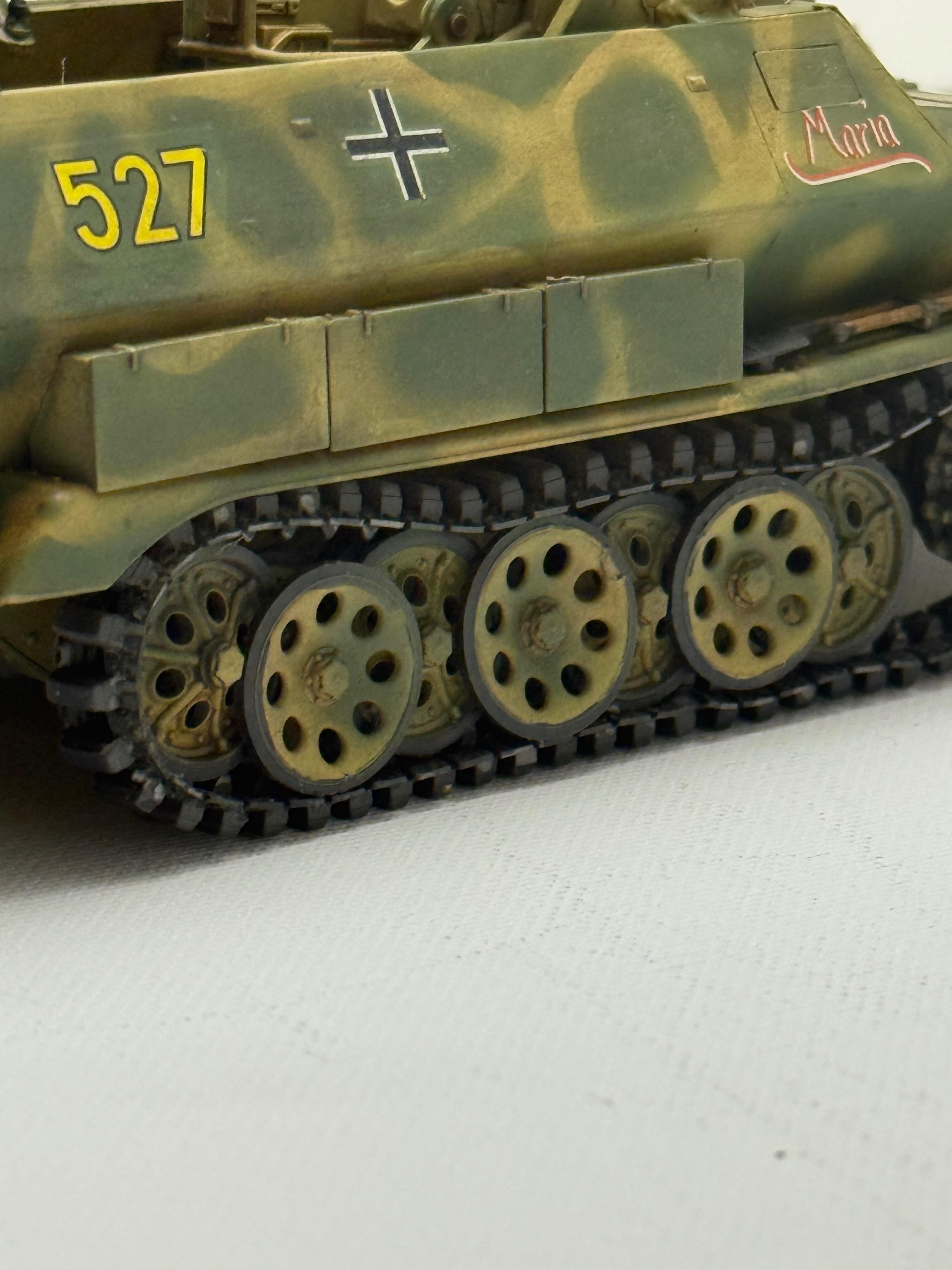
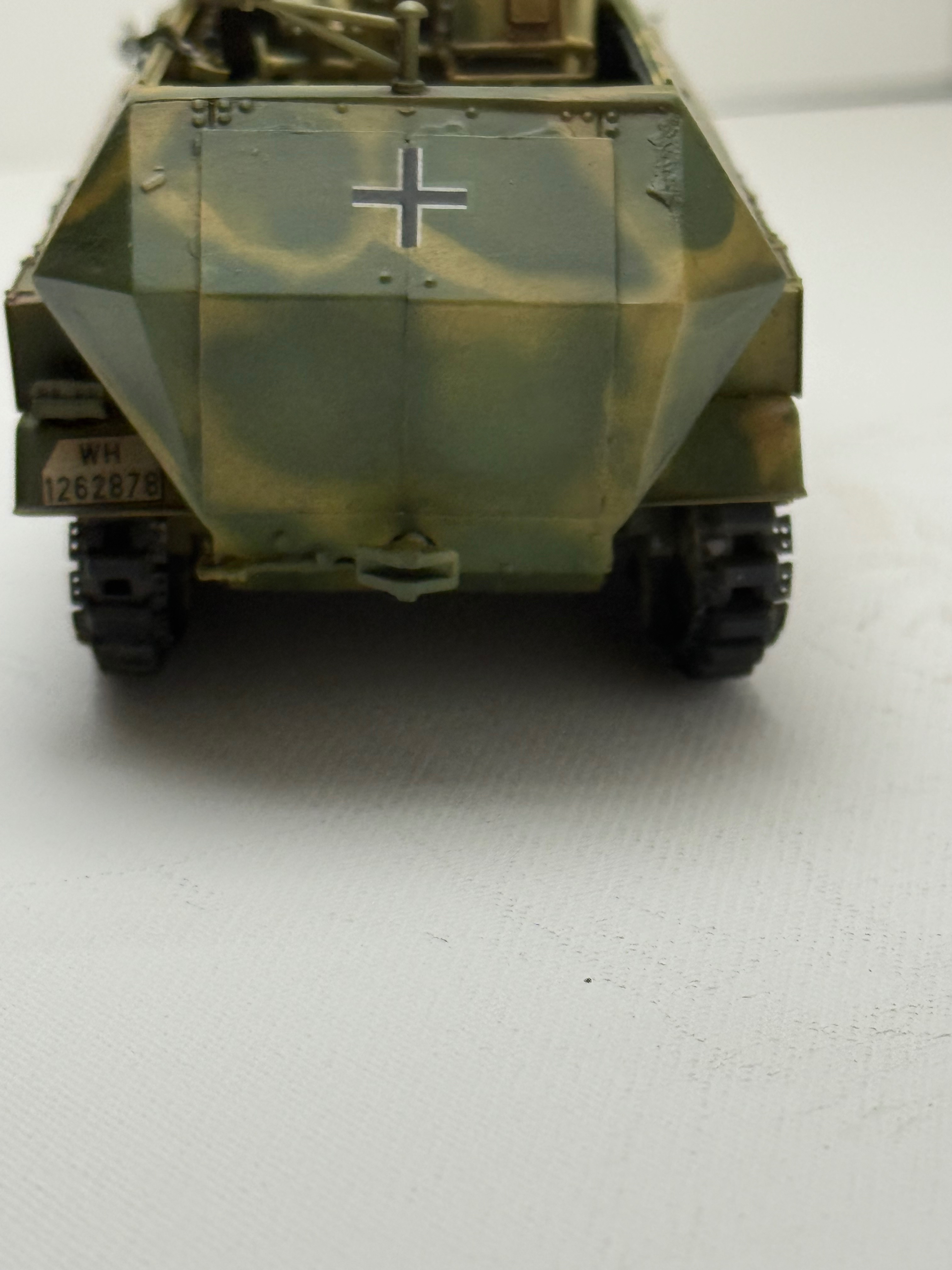
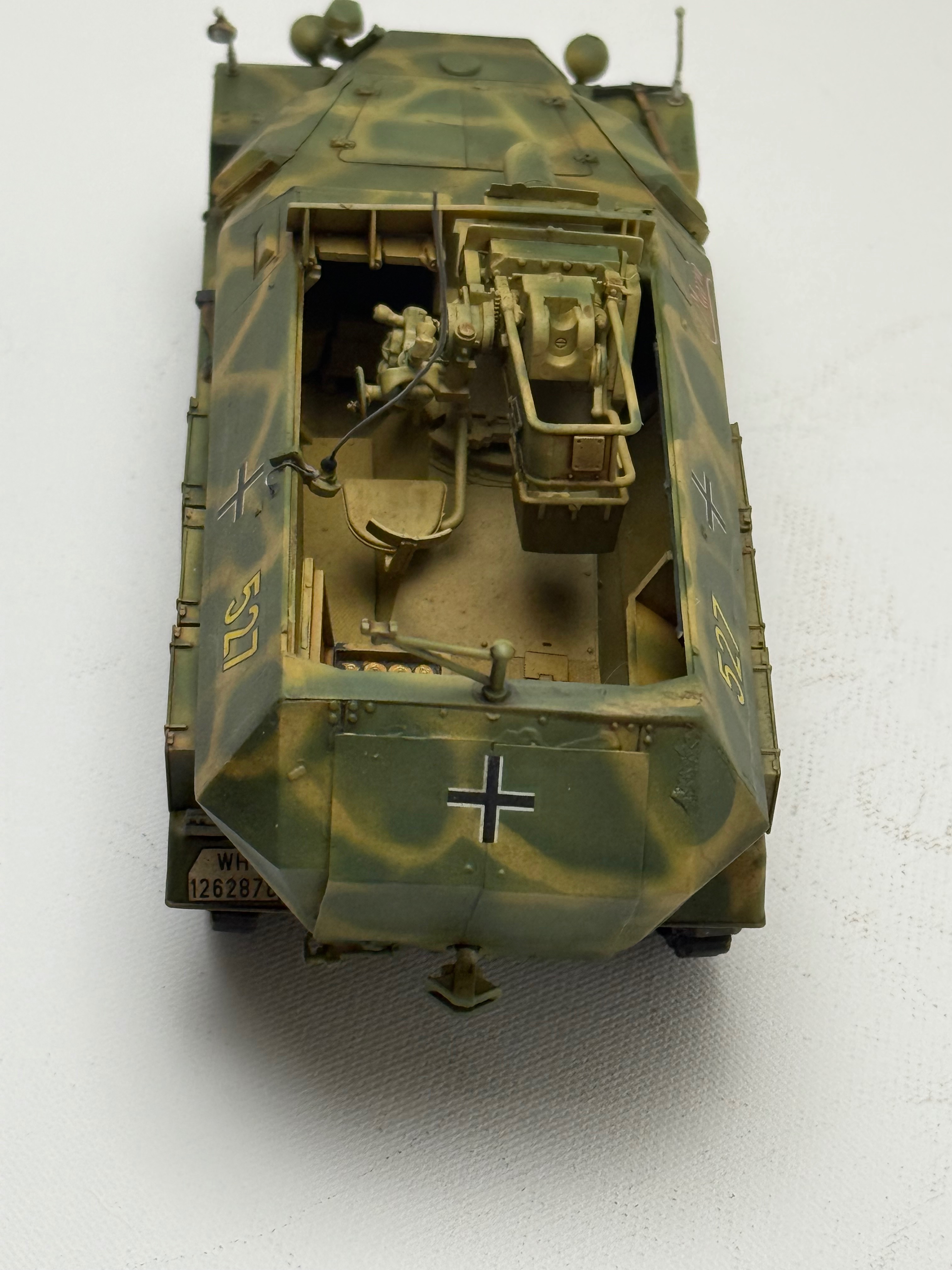
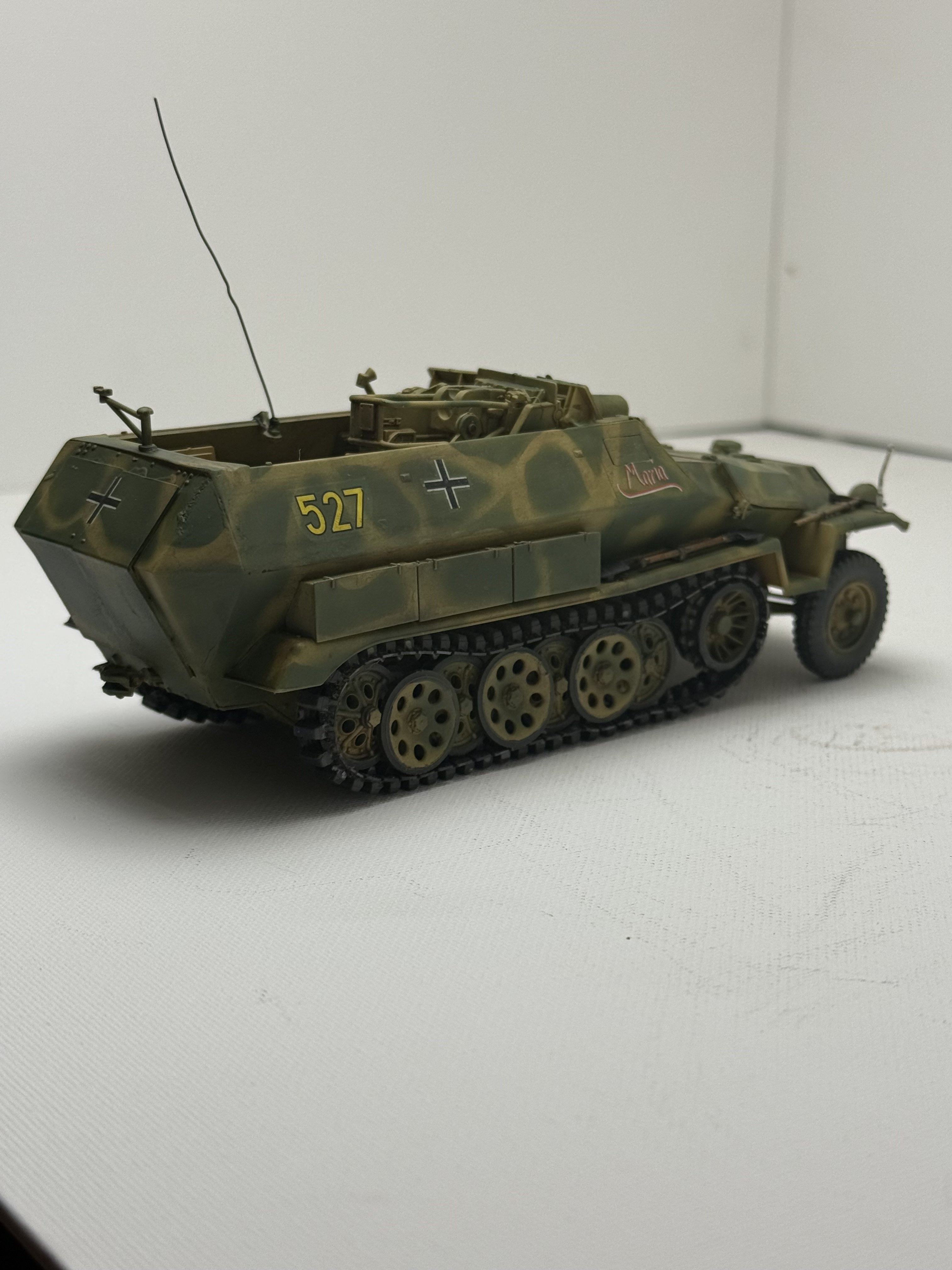
Sd.Kfz. 251/9 Ausf.C (early) half-track AFV Club 1/35

Scale Model Addict - Model Tips, Guides, Tools & Tech, Tutorials, and Community

Help Support Scale Model Addict:

That camouflage looks awesome. Did you like the Play-Doh? I almost got some of that when I got back into modeling years ago and I read that it either leaves a film on the plastic or it got stuck in cracks and crevices and was hard to get out
It was a bit tedious. I like free handing it but for this application I wanted cleaner lines since the amount of Olive is pretty heavy.
 
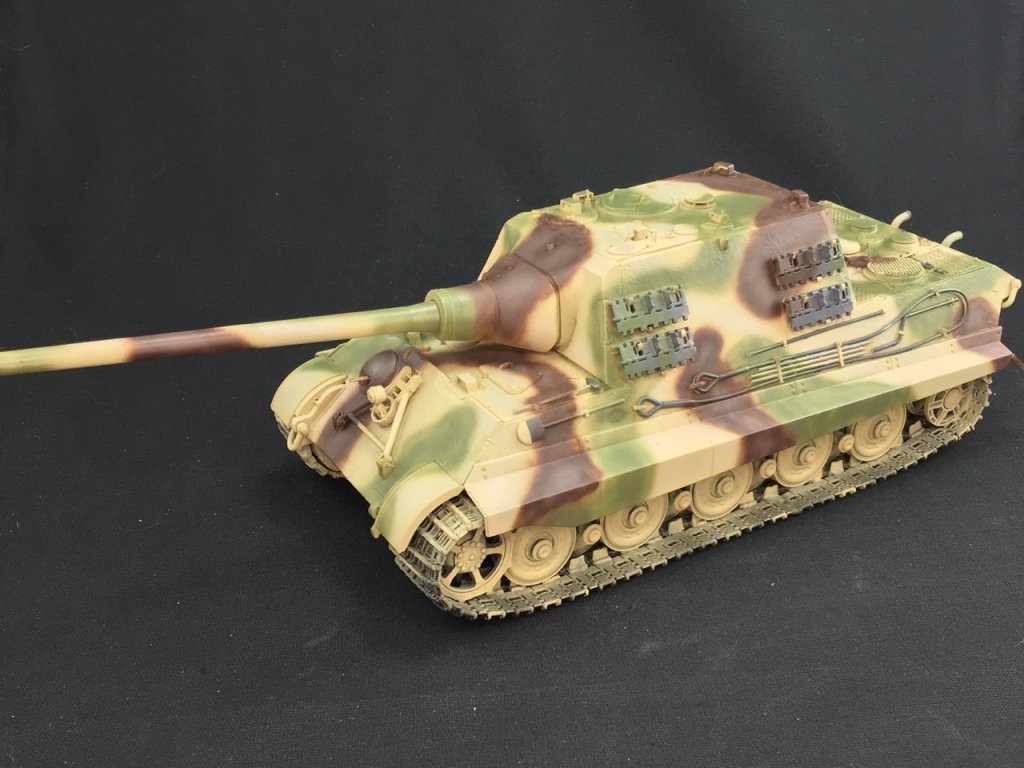
Not quite done with this. I'm going to do a. It more weathering- bring out the pastels and make some dust. No mud, just dust. I added a few details but otherwise this is OOB. Cool kit and not near as bad as I thought it would be. I would say, for you Jakko, what I would call a minor fit issue on backside. The doors did not fit well and you can see there is a small gap at the bottom of the doors. Someone else, who may be named above, would probably have scratch built some doors but alas, I was feeling lazy and did not. I'll take some better pics when I've dusted this puppy.
 

Attachments

  • IMG_7751.jpeg
    IMG_7751.jpeg
    2 MB
  • IMG_7750.jpeg
    IMG_7750.jpeg
    2 MB
  • IMG_7752.jpeg
    IMG_7752.jpeg
    1.8 MB
  • IMG_7753.jpeg
    IMG_7753.jpeg
    1.7 MB
  • IMG_7754.jpeg
    IMG_7754.jpeg
    3.3 MB
  • IMG_7755.jpeg
    IMG_7755.jpeg
    2.1 MB
  • IMG_7756.jpeg
    IMG_7756.jpeg
    1.6 MB
  • IMG_7757.jpeg
    IMG_7757.jpeg
    3.1 MB
Your halftrack is amazing Ron! I love the paintjob.

Regarding the general fiddliness of the AFV Club kits, I'm starting to get the same impression from the only RFM kit I've ever done. The linked tracks were not as bad as one might imagine, 6 parts per link (one was part of the next link) and I got throught that without to much hassle. But the rear-view mirrors on a Sherman being 3 parts each are but one example of just taking theings too far. Unless you just really like that level of build complexity I guess. Buyer beware what you're getting into :-)
 
As an Amazon Associate we earn from qualifying purchases. Product prices and availability are accurate as of the date/time indicated and are subject to change.
Your halftrack is amazing Ron! I love the paintjob.

Regarding the general fiddliness of the AFV Club kits, I'm starting to get the same impression from the only RFM kit I've ever done. The linked tracks were not as bad as one might imagine, 6 parts per link (one was part of the next link) and I got throught that without to much hassle. But the rear-view mirrors on a Sherman being 3 parts each are but one example of just taking theings too far. Unless you just really like that level of build complexity I guess. Buyer beware what you're getting into :-)
Yeah I didn't mind a two part mirror but some of this is just silly in my opinion. More parts to go out of alignment. Some of the parts are so tiny it's difficult to place them with tweezers- I kept getting glue in mine. Idk maybe I'm just turning into a crabby old man.
 
Can't the phone's camera be put in "raw" mode or similar?
Not on an iPhone or iPad with the standard camera app. It's definitely an in-app processing issue, as the following will show :)

iPad Pro first generation:

IMG_1086.jpeg


iPad Pro M4:

IMG_1101.jpeg


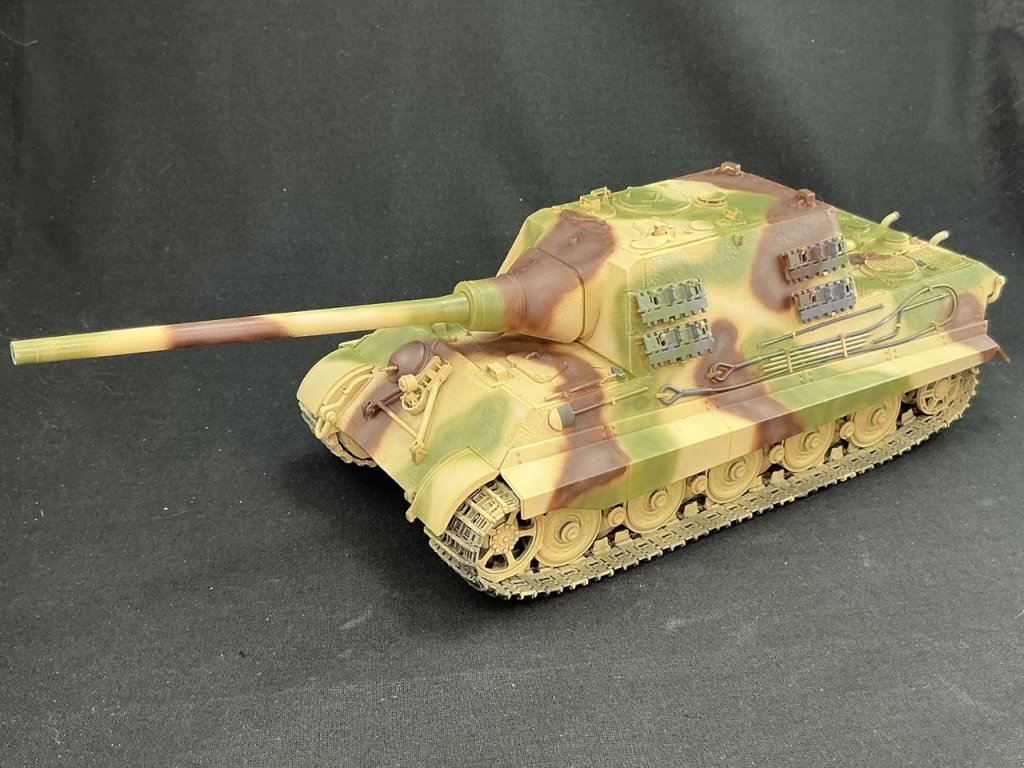
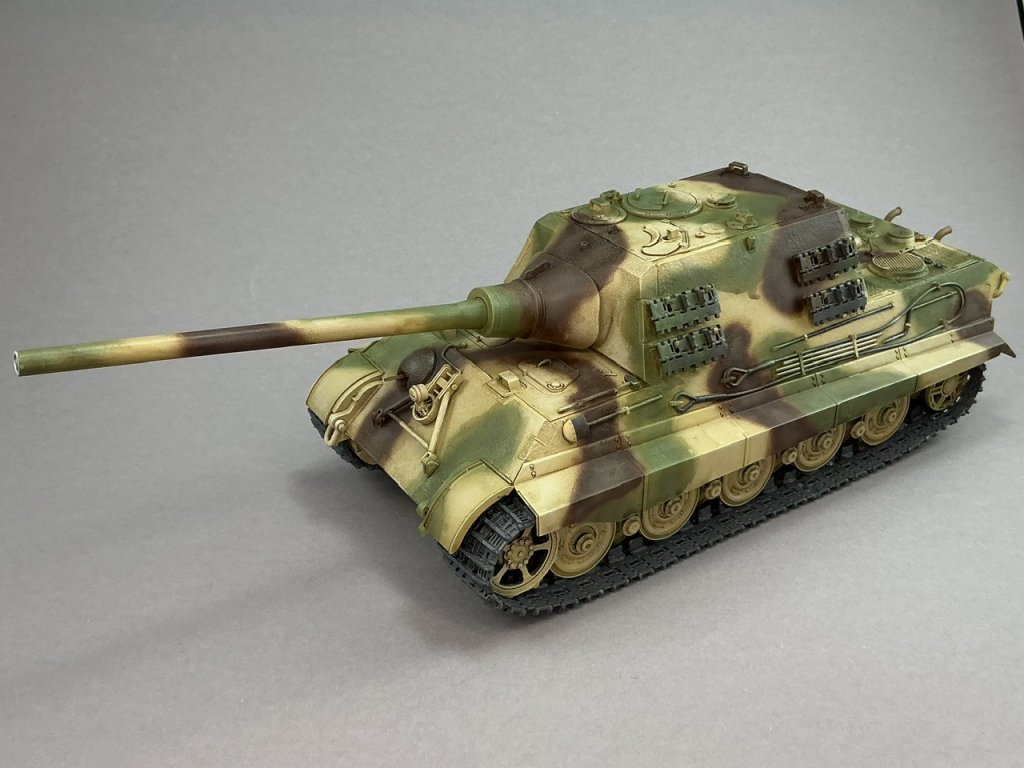
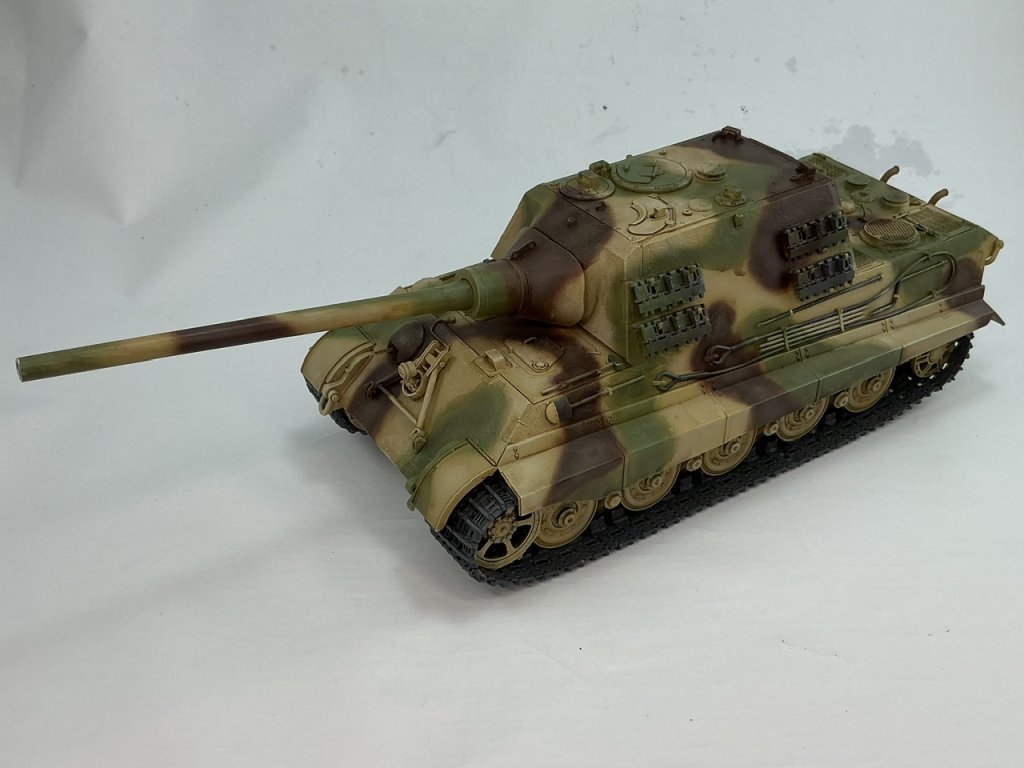
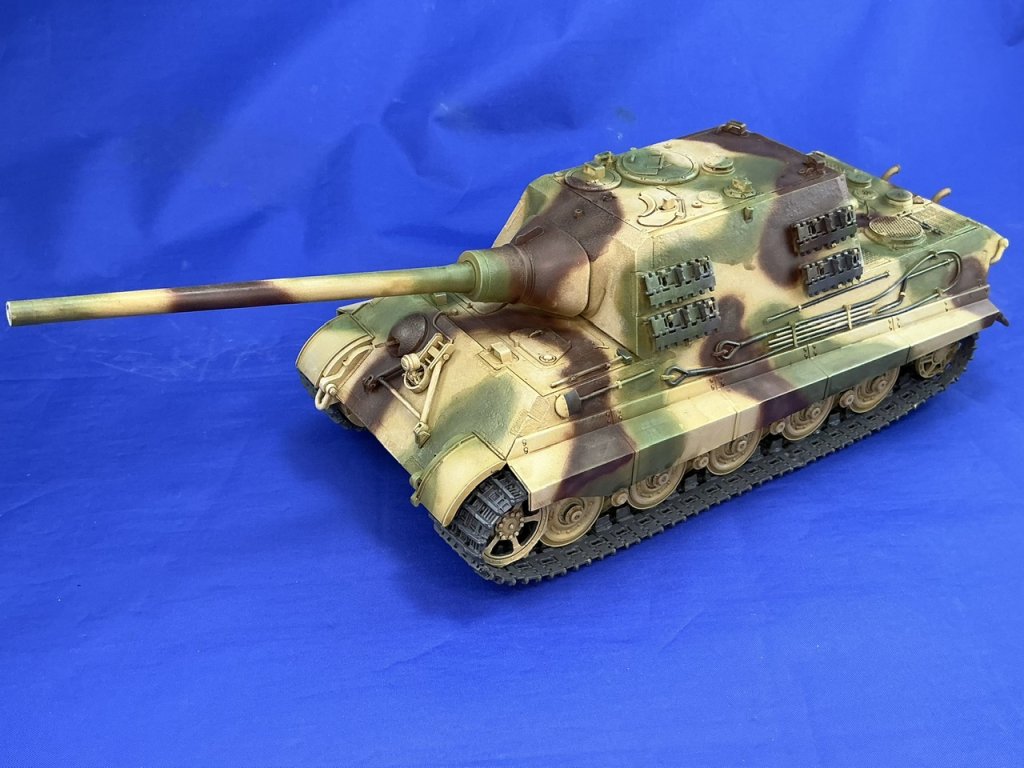
Same model, same lighting, same background, both pictures taken with the "built-in" camera app within minutes of each other. The colours in the first photo (as they appeared on the iPad's screen) are much closer to those on the model than in the second photo.

And here's the same model with different colours behind it, all taken with the iPad Pro M4 by only swapping out the background (grey card vs. white and blue photo booth backgrounds):

IMG_1111.jpeg

IMG_1112.jpeg

IMG_1113.jpeg


I've been looking for a replacement camera app, but haven't found a good one yet. Either they're paid apps without a trial mode, or they have so many buttons that they're basically DSLR camera equivalents, or both. I don't want a DSLR camera equivalent, I want a simple-to-use app like what comes with my iPad — just one that doesn't do all this "optimisation" that I didn't ask for.
 
Not on an iPhone or iPad with the standard camera app. It's definitely an in-app processing issue, as the following will show :)

iPad Pro first generation:

View attachment 187832

iPad Pro M4:

View attachment 187833

Same model, same lighting, same background, both pictures taken with the "built-in" camera app within minutes of each other. The colours in the first photo (as they appeared on the iPad's screen) are much closer to those on the model than in the second photo.

And here's the same model with different colours behind it, all taken with the iPad Pro M4 by only swapping out the background (grey card vs. white and blue photo booth backgrounds):

View attachment 187834
View attachment 187835
View attachment 187836

I've been looking for a replacement camera app, but haven't found a good one yet. Either they're paid apps without a trial mode, or they have so many buttons that they're basically DSLR camera equivalents, or both. I don't want a DSLR camera equivalent, I want a simple-to-use app like what comes with my iPad — just one that doesn't do all this "optimisation" that I didn't ask for.
Amazing the differences.
 
It has a lot of custom settings in the base camera app
That's exactly what I don't want :) Photography isn't my hobby, building models (and showing how I did that) is — learning to use something where every setting appears to influence at least one other is not my idea of fun :) What I'm looking for is a camera app that has the usability of the iPad's standard camera app, but doesn't do as much processing on the pictures.
 

Latest posts

Back
Top