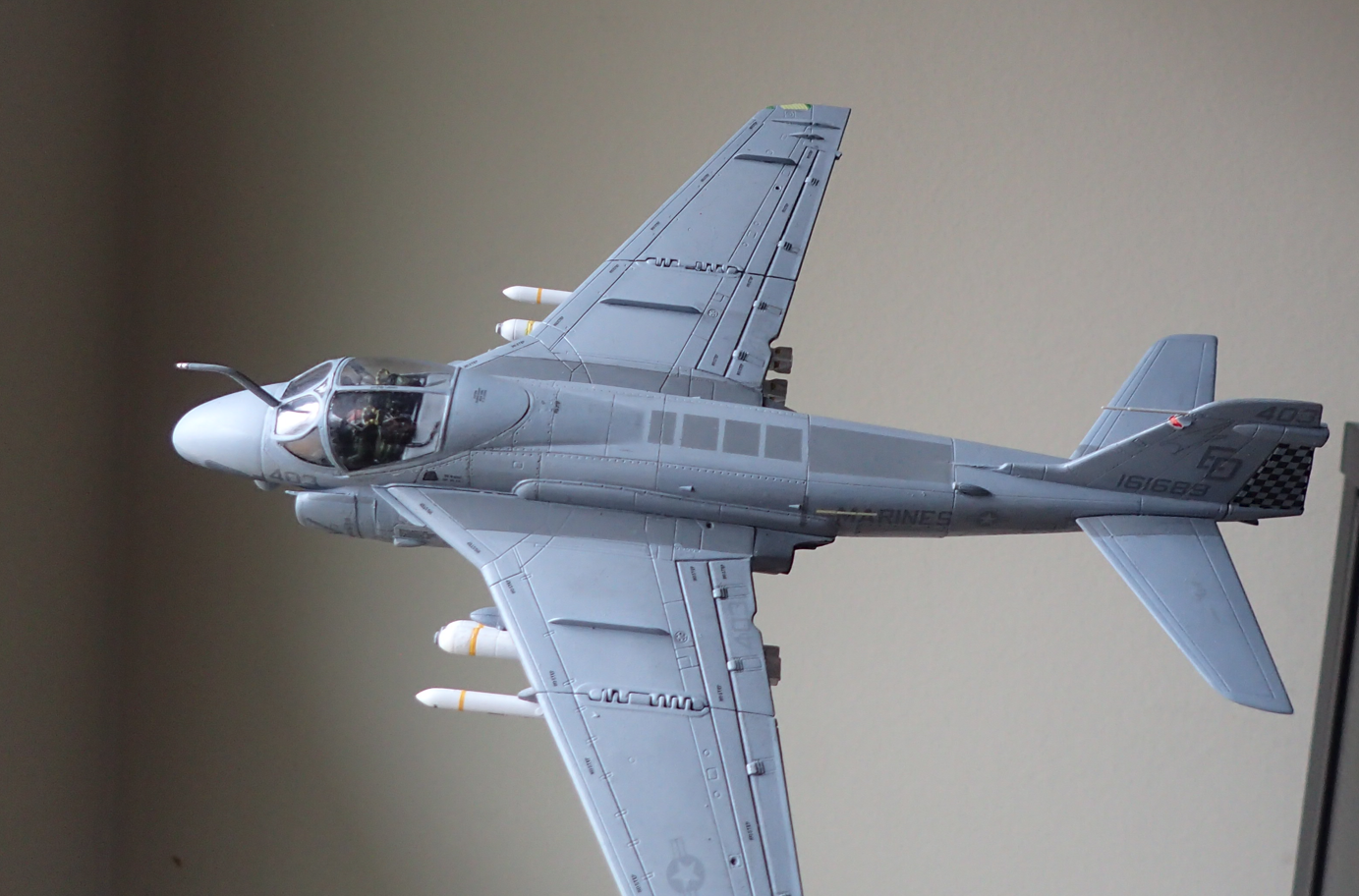
Paint Dilemma

Scale Model Addict - Model Tips, Guides, Tools & Tech, Tutorials, and Community

Help Support Scale Model Addict:

Jantk14

Well-Known Member
Joined
Aug 13, 2025
Messages
412
City & State/Province
New Jersey USA
I got an Academy A10 that I'm building next. But looking at the instructions further I have an issue with the grey colors. The left column calls for dark ghost grey fs 36320 and light ghost grey fs 36375. Both names and fs numbers match up with a corresponding Vallejo paint. Which is what I got, but the dark ghost grey seems a tad blue on a test piece. Not sure if that's correct. Looking further at the instructions, to the right, Academy lists product codes for those two colors as 47 and 50. Well when you look up those product codes for Vallejo they are different color greys and different fs numbers. So which do I got with? The fs numbers or the product numbers? Also researching the a10s paint scheme, fs 36320 and fs 36375 are the actual colors of the aircraft.
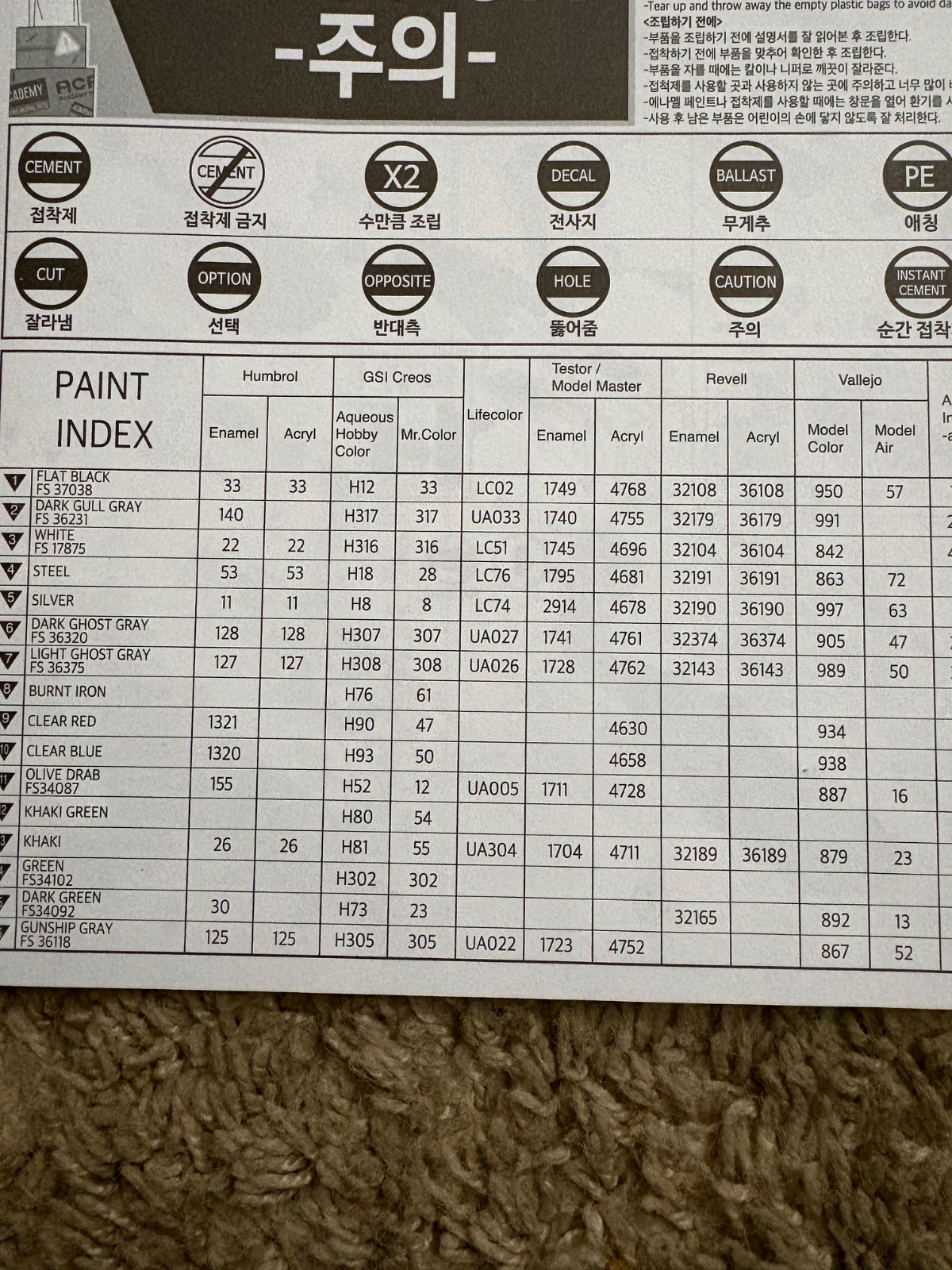
IMG_4789.jpeg
 
I can't help with the specifics here, but the best way to get colours (reasonably) correct is to research what the real thing is supposed to be painted in and then find model paints designed to match those. Also: don't use photos for this — they never show colours accurately.

In addition, you'll need to beware that a lot of model paint says it matches some "real" colour, but doesn't actually. The only way to know for sure is to either have genuine paint samples you can compare to, or do research into what other people claim is close.

That said, my opinion is that you shouldn't try to paint your model in exactly the real colour. Rather, work out what it's supposed to look like and then use paint that matches your idea of that.
 
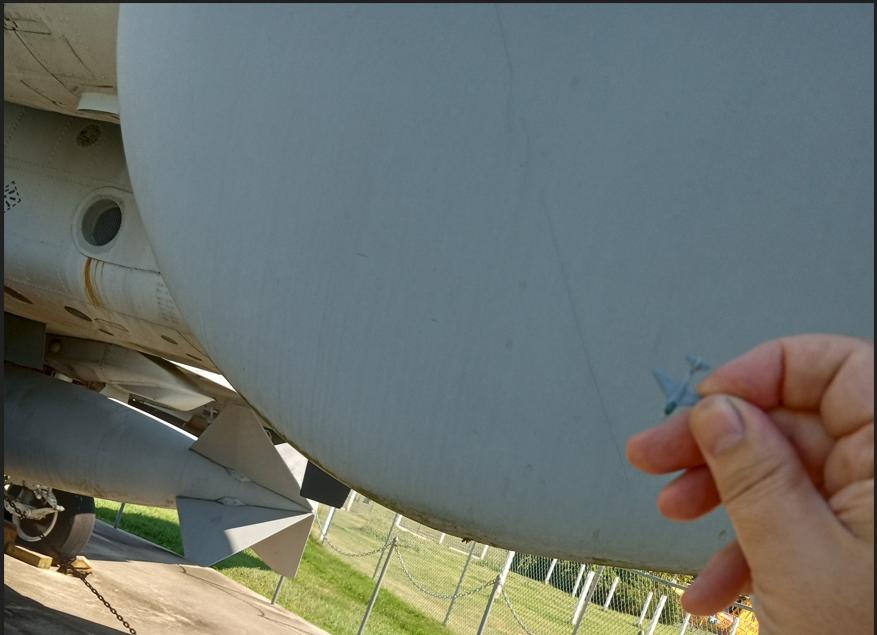
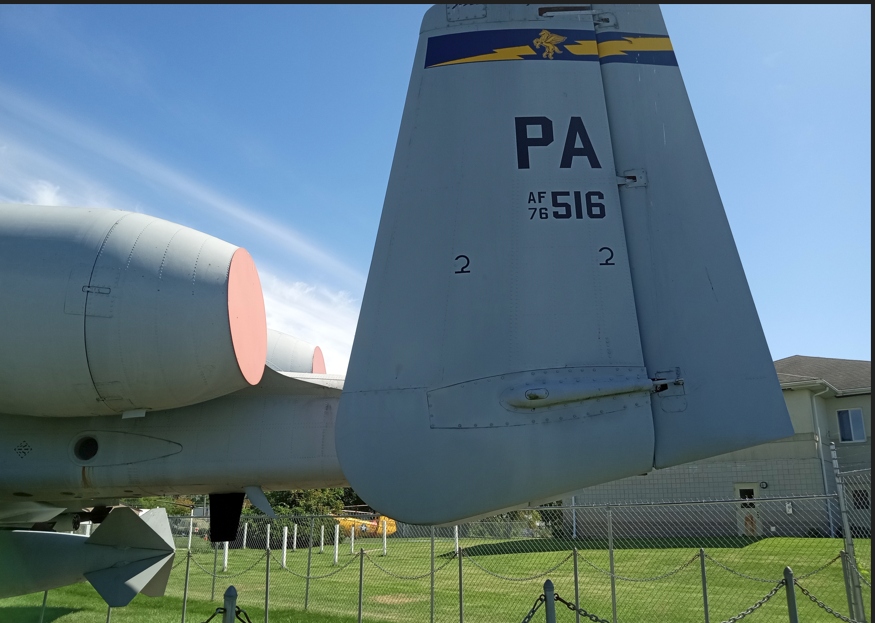
For what it is worth, below is a picture of Vallejo Ghost Grey next to the tail fin of an actual A-10

Granted this A-10 is a static piece that has sat out in the sun for years, if not decades, so paint may have faded a little, but from what I understand, the Vallejo Dark and Light Ghost greys are pretty close to, if not slightly bluish compared to an actual FS color chip.

Although another reason I feel like it looks so dark/blue on scale models is that it is out of scale if you will. When you add in the scaling factor, you need to lighten it up a bit. I actually find a better scale look for the Dark Ghost Grey is to mix the Dark Ghost Grey with some light Ghost grey. Maybe like a 75%/25% mix to start with, then mix the Light Ghost grey with just a little bit of white, near white like a USAF Light Grey
1770505689827.png


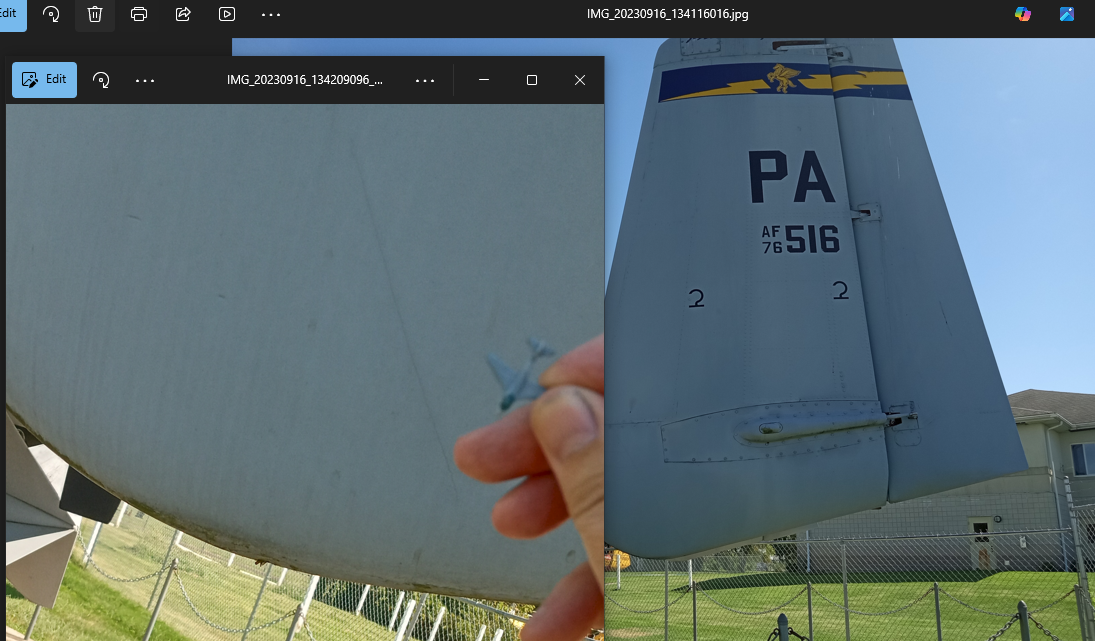
Another factor is if it is in shade or sun

Dark Ghost Grey does wind up looking rather bluish in certain lighting, or against bright backgrounds while it is on the shade side

but you can also see in this pic that the bottom where I was holding it up against has some light patches

1770506303376.png


1770506501254.png


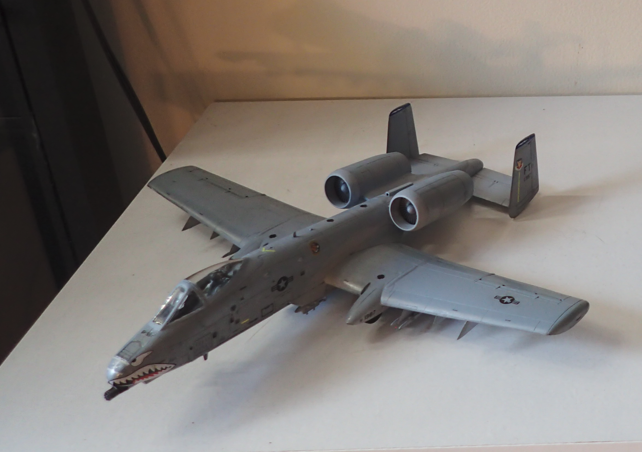
and below is an example of using the light ghost grey mixed on to tone down the Dark Ghost grey. My next attempt I think I might add a bit more light ghost grey

1770507047740.png

1770507315944.png
 

Latest posts

Back
Top