Issue with Scalemates

Scale Model Addict - Model Tips, Guides, Tools & Tech, Tutorials, and Community

Help Support Scale Model Addict:

Col.Kilgore

Well-Known Member
Joined
May 12, 2023
Messages
104
For about the past three days I have not been able to log on to Scalemates. I can access it on my iPhone but not from my laptop. I have noticed on Facebook others having the same problem.
Screenshot 2026-03-27 at 2.42.03 PM.png
 
I have no idea --- I have an account there , haven't logged in since I created it 13 years ago , or however long it was .
They don't have admin you can contact ?
 
I have not, nor know of anyone I could contact. Apparently I am not the only one having this issue. There was a thread on Facebook about it last night. I have tried on three different browsers . . . no joy.
 
As an Amazon Associate we earn from qualifying purchases. Product prices and availability are accurate as of the date/time indicated and are subject to change.
the phone works thru the same network ? or it's running on the mobile carrier and the laptops are landline ?
 
laptops are landline wifi . . .phone is mobile carrier . . . I just restarted my ATT router in house and nothing changed.
the phone works thru the same network ? or it's running on the mobile carrier and the laptops are landlline
 
So what exactly is happening ?
You can get to Scalemates on the laptop but just can't sign in ?
Like if you have the wrong password ? or , it's acting a completely different way ?
or ,
you can't connect to the site at all ?
 
I cannot access Scalemates from laptop . . .only through my iPhone will it work
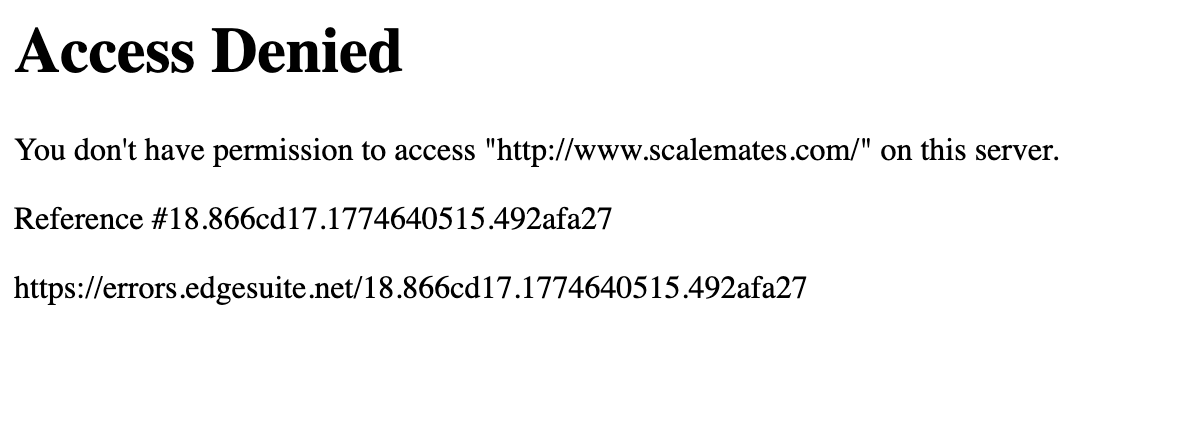
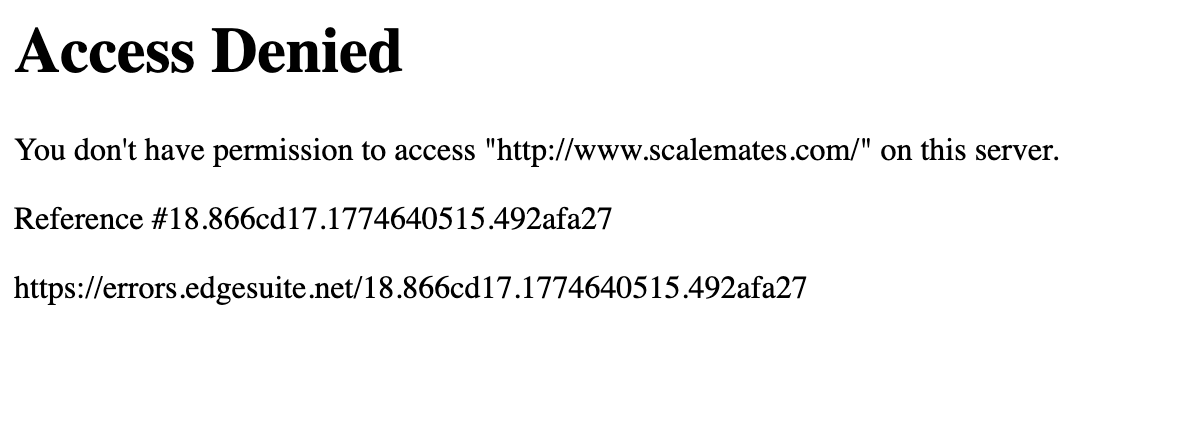
On laptop I get this . . .
Screenshot 2026-03-27 at 2.42.03 PM.png
 
Errors at errors.edgesuite.net indicate that an Akamai Content Delivery Network (CDN) security policy—such as a geo-restriction, WAF rule, or IP block—is denying access to a website, often appearing as "Access Denied" or "403 Forbidden". Common causes include flagged IP addresses, VPN usage, or outdated browser cache
 
Key Troubleshooting Steps:
  • Clear Browser Data: Clear cache, cookies, and history to remove stale data.
  • Disable VPN/Proxy: Turn off any VPN or proxy software, as these IPs are often flagged.
  • Check Security Software:Temporarily disable firewalls or browser extensions that might interfere with connections
    .
    • Change Network/IP: Restart your router to get a new IP address or try a different network (e.g., mobile hotspot).
    • Change User-Agent: Some users report that changing the browser's user-agent (e.g., to look like a different browser or OS) can bypass the error, notes a Linux Mint Forums user.
      Google Help
      Google Help +4
These errors generally mean the site's security settings are too strict or your network environment is triggering a false positive, explains a Seclists post.
 
Key Troubleshooting Steps:
  • Clear Browser Data: Clear cache, cookies, and history to remove stale data.
  • Disable VPN/Proxy: Turn off any VPN or proxy software, as these IPs are often flagged.
  • Check Security Software:Temporarily disable firewalls or browser extensions that might interfere with connections
    .
    • Change Network/IP: Restart your router to get a new IP address or try a different network (e.g., mobile hotspot).
    • Change User-Agent: Some users report that changing the browser's user-agent (e.g., to look like a different browser or OS) can bypass the error, notes a Linux Mint Forums user.
      Google Help
      Google Help +4
These errors generally mean the site's security settings are too strict or your network environment is triggering a false positive, explains a Seclists post.
Cleared the cache . . .just weird how this started just all of a sudden. Never changed anything . . plus others having the same issue.
 
Since clearing the cache fixed it, chances are that Scalemates deployed some changes, and your cached data were in conflict with those changes. It's a good idea to clear you brower cache relatively routinely to avoid that. Not as many sites use caching as used to, but it still doesn't hurt to clear it routinely.
 

Latest posts

Back
Top